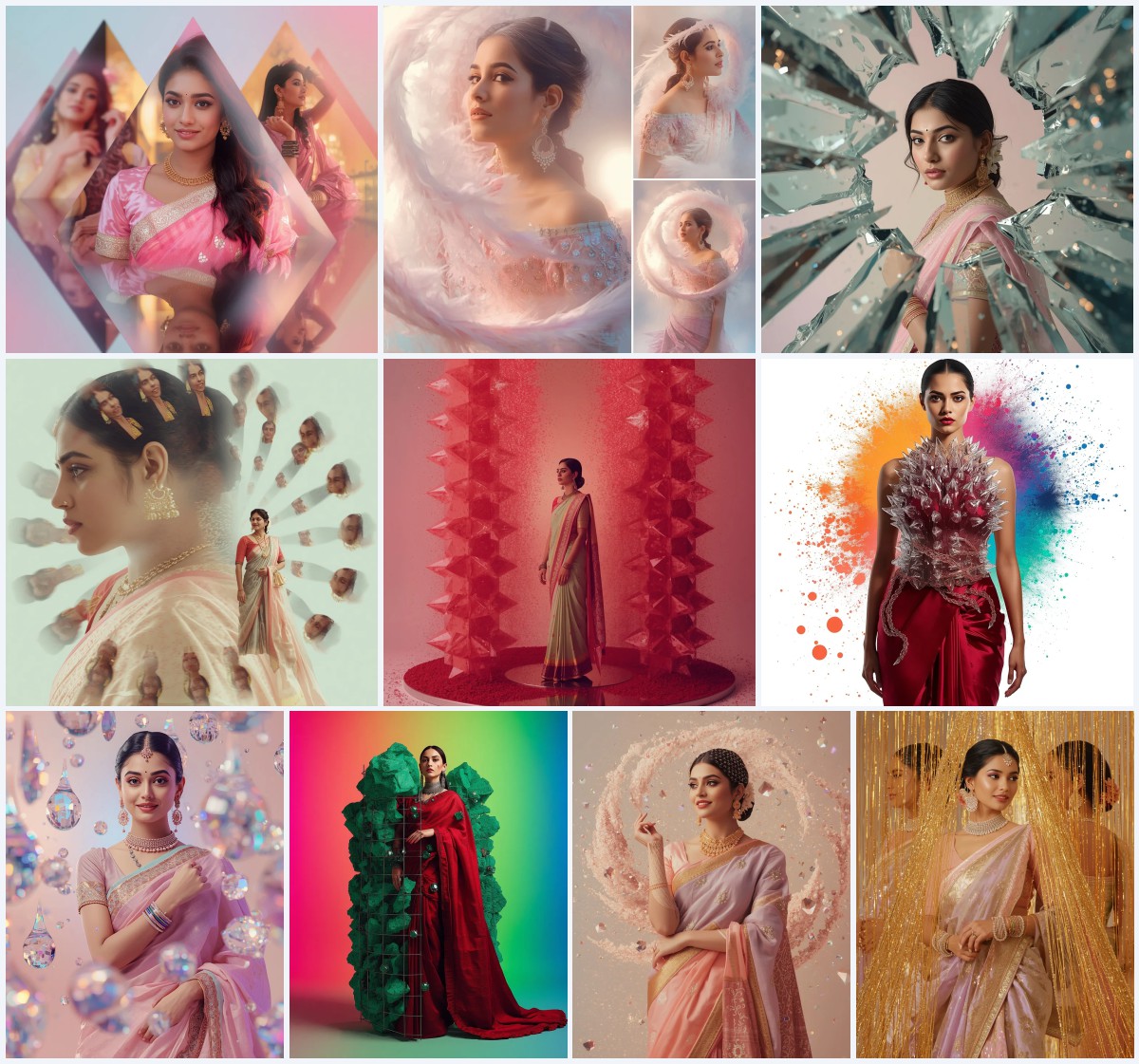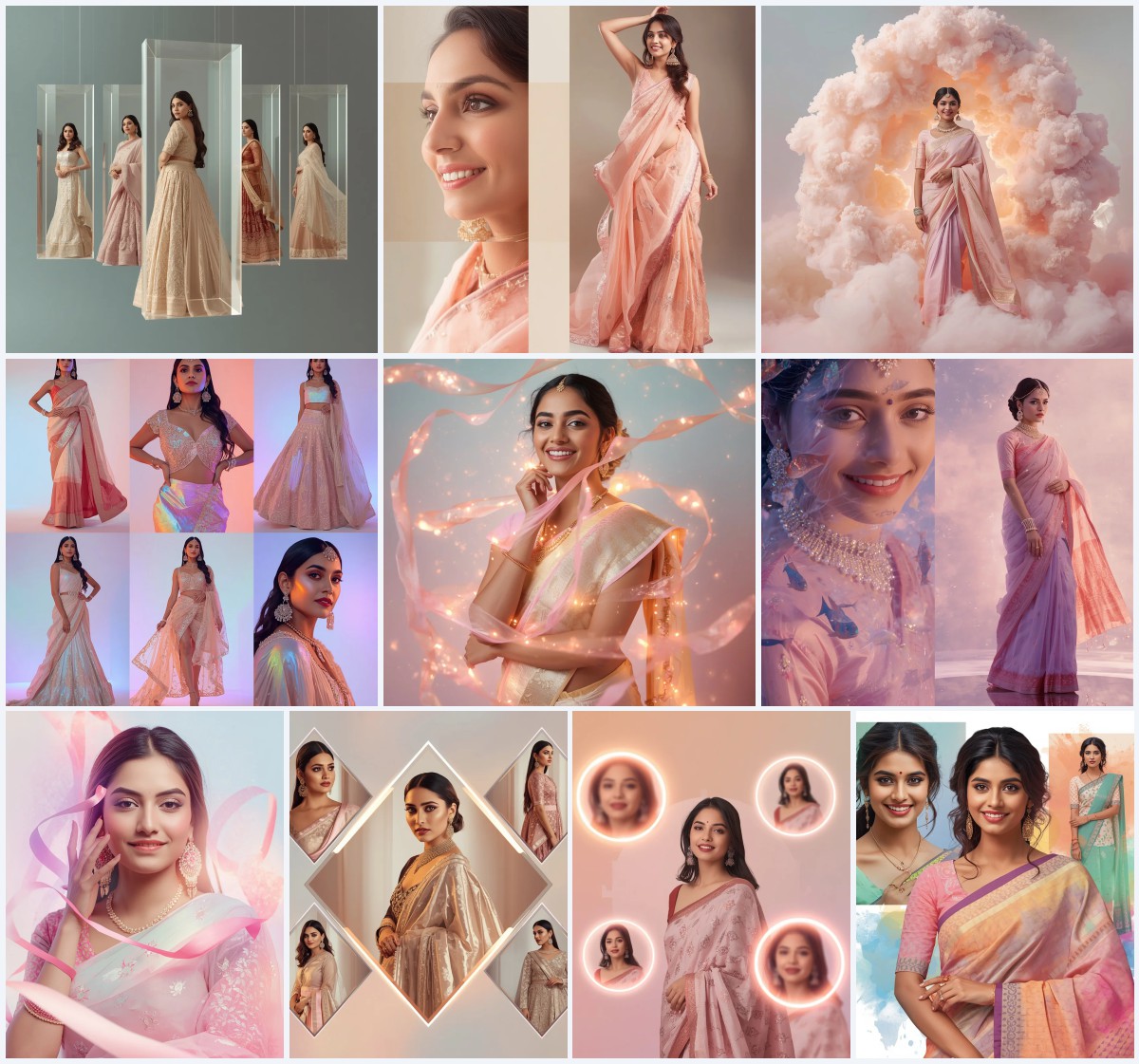
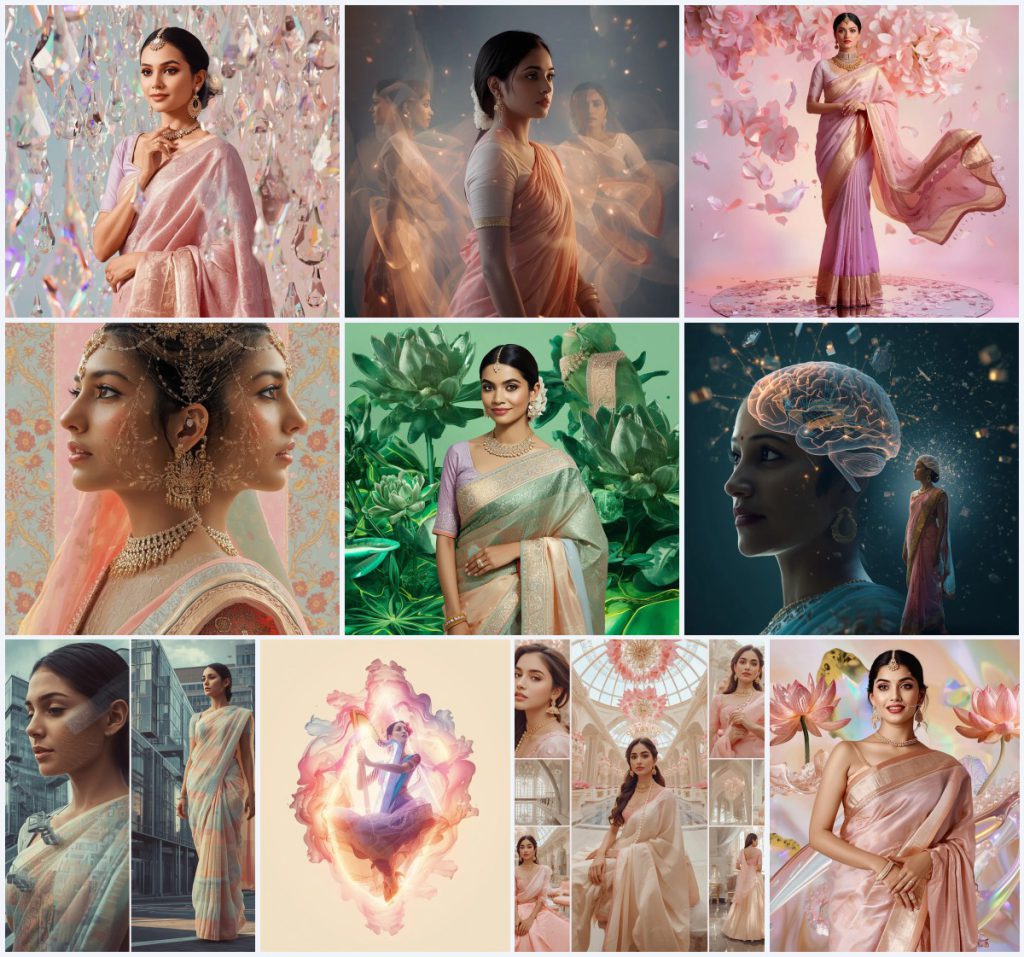


Discover how to generate breathtaking, surreal digital art featuring traditional Indian wear blended with futuristic, dreamlike collage elements using our curated aesthetic prompts.
The intersection of traditional South Asian fashion and state-of-the-art artificial intelligence has birthed a spectacular new wave of digital art. For creators, designers, and social media enthusiasts, capturing the timeless elegance of a saree in a highly stylized, modern context has become the ultimate creative pursuit. By combining intricate textile details with surrealist environments, these prompts allow you to generate imagery that feels both deeply rooted in heritage and boldly ahead of its time.
In this guide, we explore the magic behind aesthetic saree prompts designed specifically to produce dreamy, high-fashion collages. Whether you want to depict a serene scene filled with floating crystal raindrops or an avant-garde concept where thoughts manifest as physical objects, these prompts provide the precise vocabulary needed to guide your favorite generative tools. The focus is on soft pastel tones, luxurious fabrics, and complex visual structures that elevate the standard portrait into a masterpiece.
By leveraging advanced descriptive language, you can control everything from the drape physics of a Banarasi silk pallu to the refractive index of hovering liquid elements. These prompts are perfect for creating eye-catching social media posts, digital lookbooks, or conceptual art pieces. Let us dive deep into the specific aesthetics, techniques, and tools that will help you bring these dreamy, traditional visions to life.
What Are New 10 Aesthetic Saree Prompt for Dreamy Artistry?
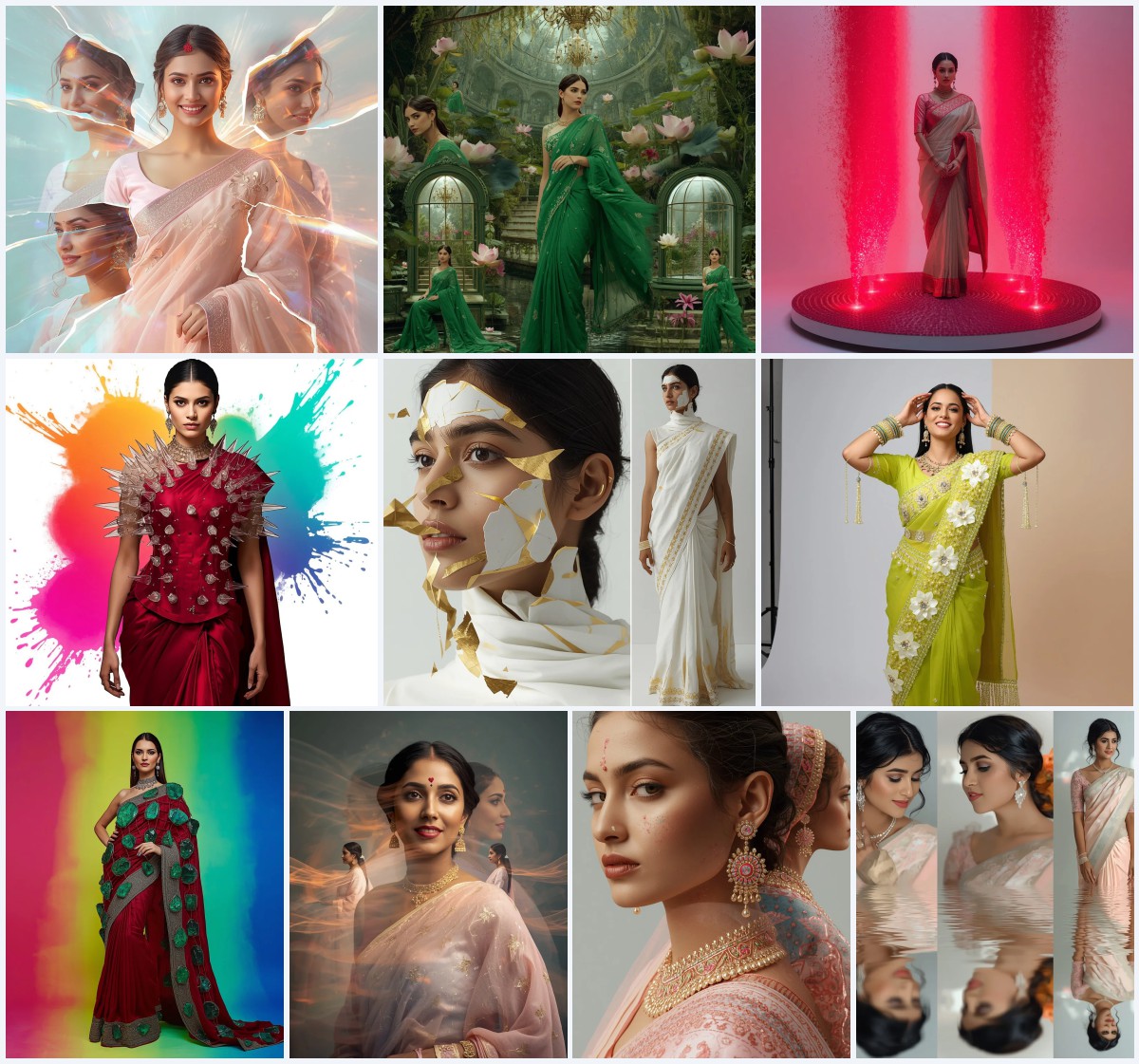
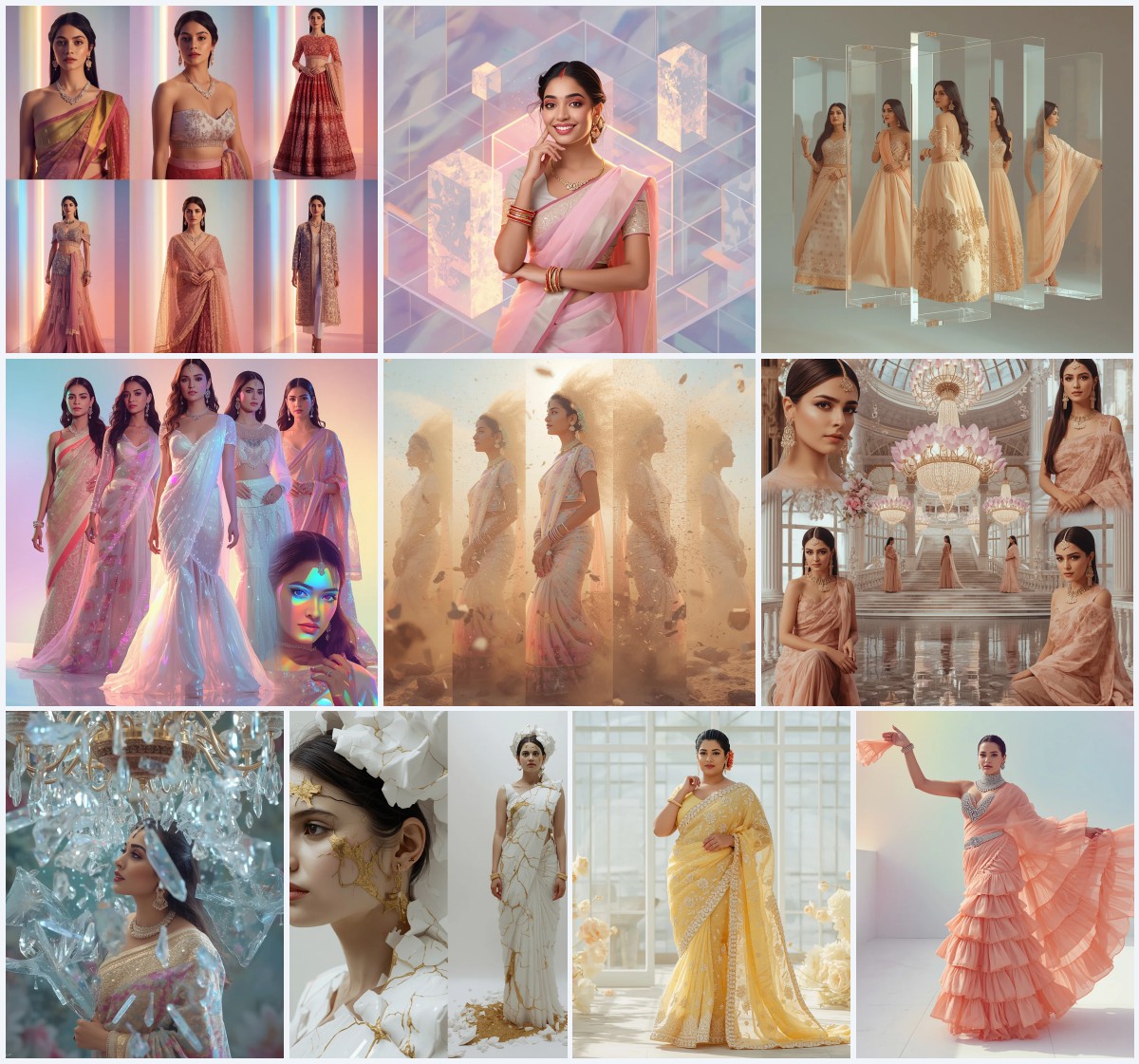
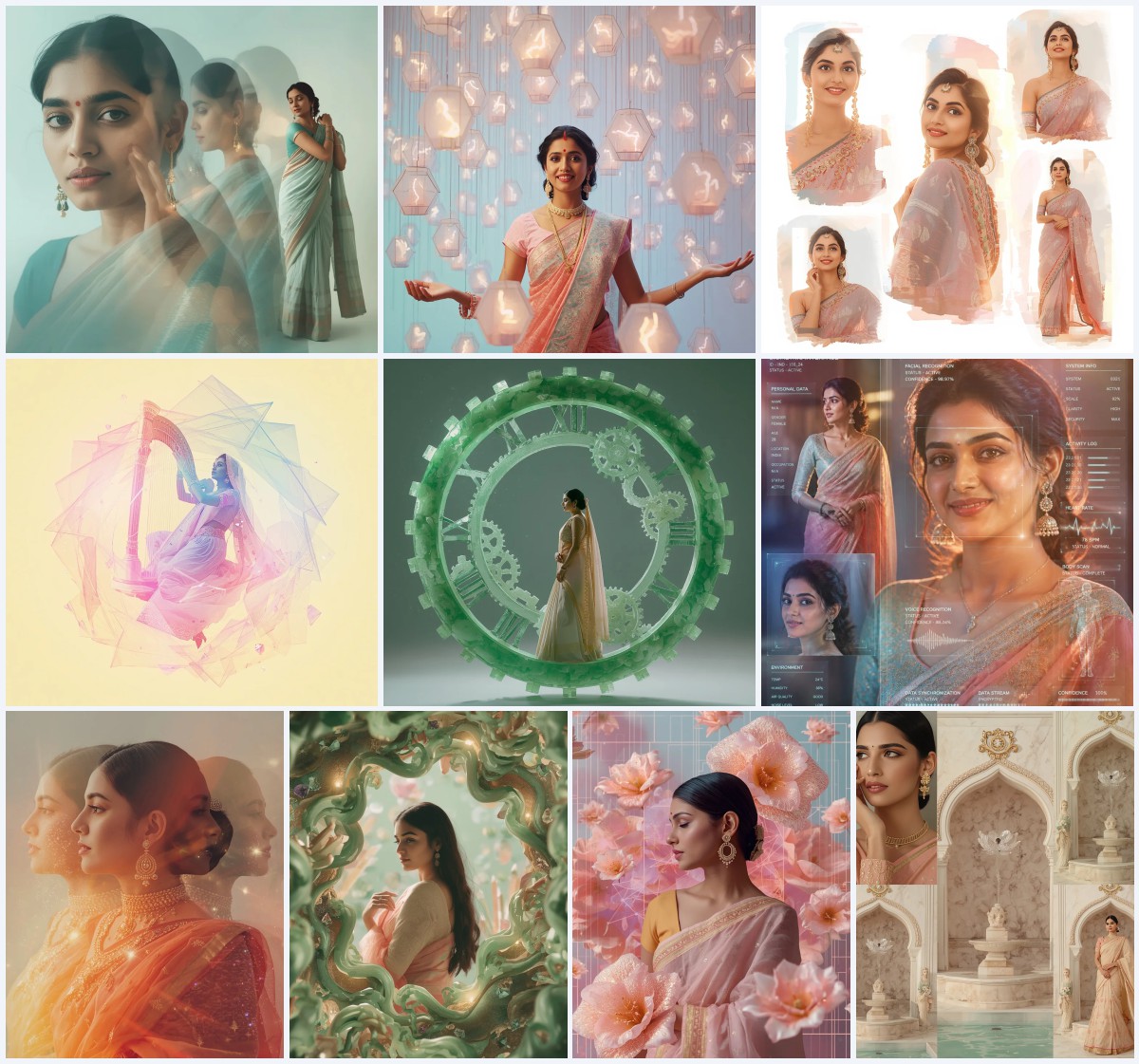
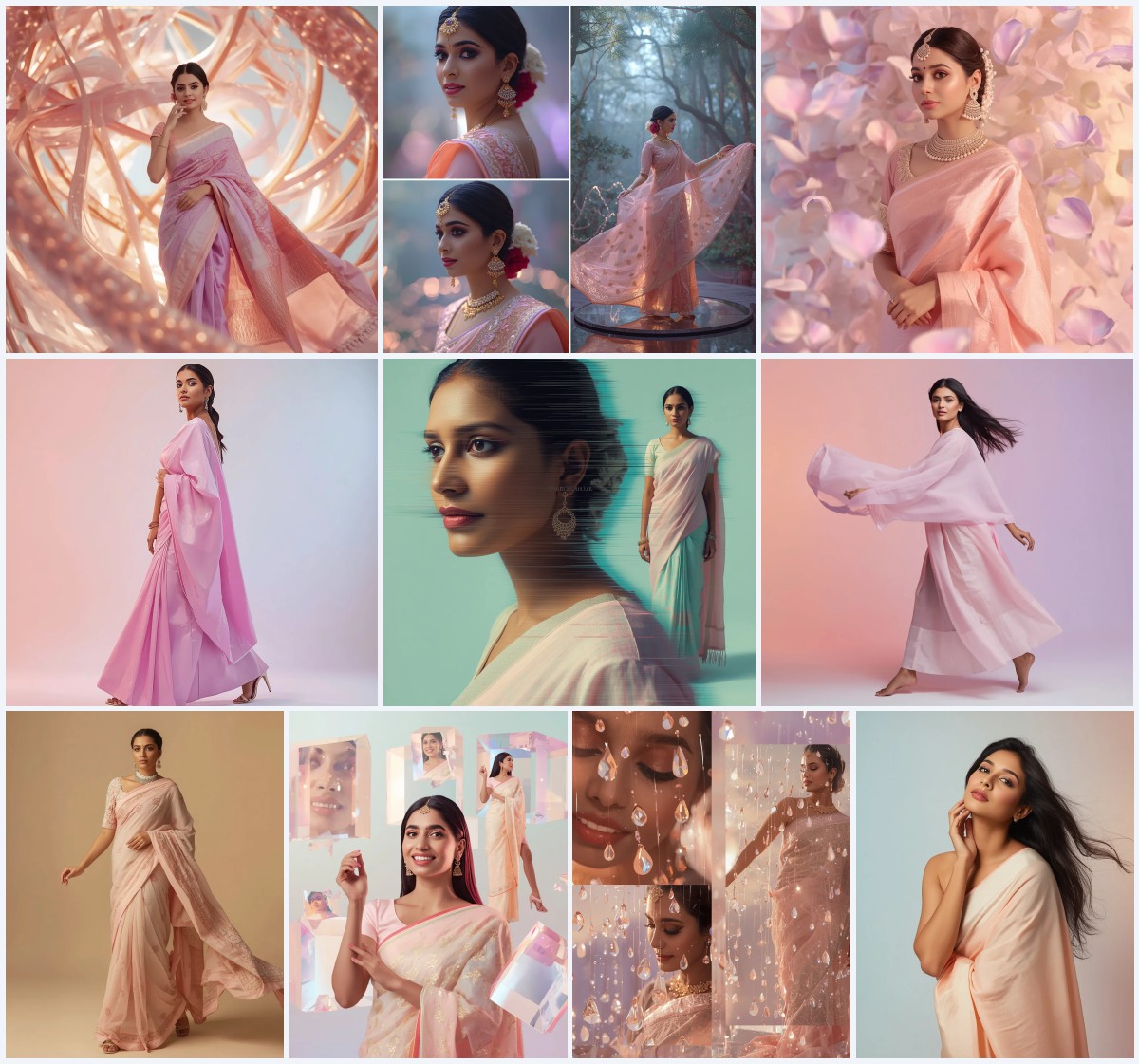
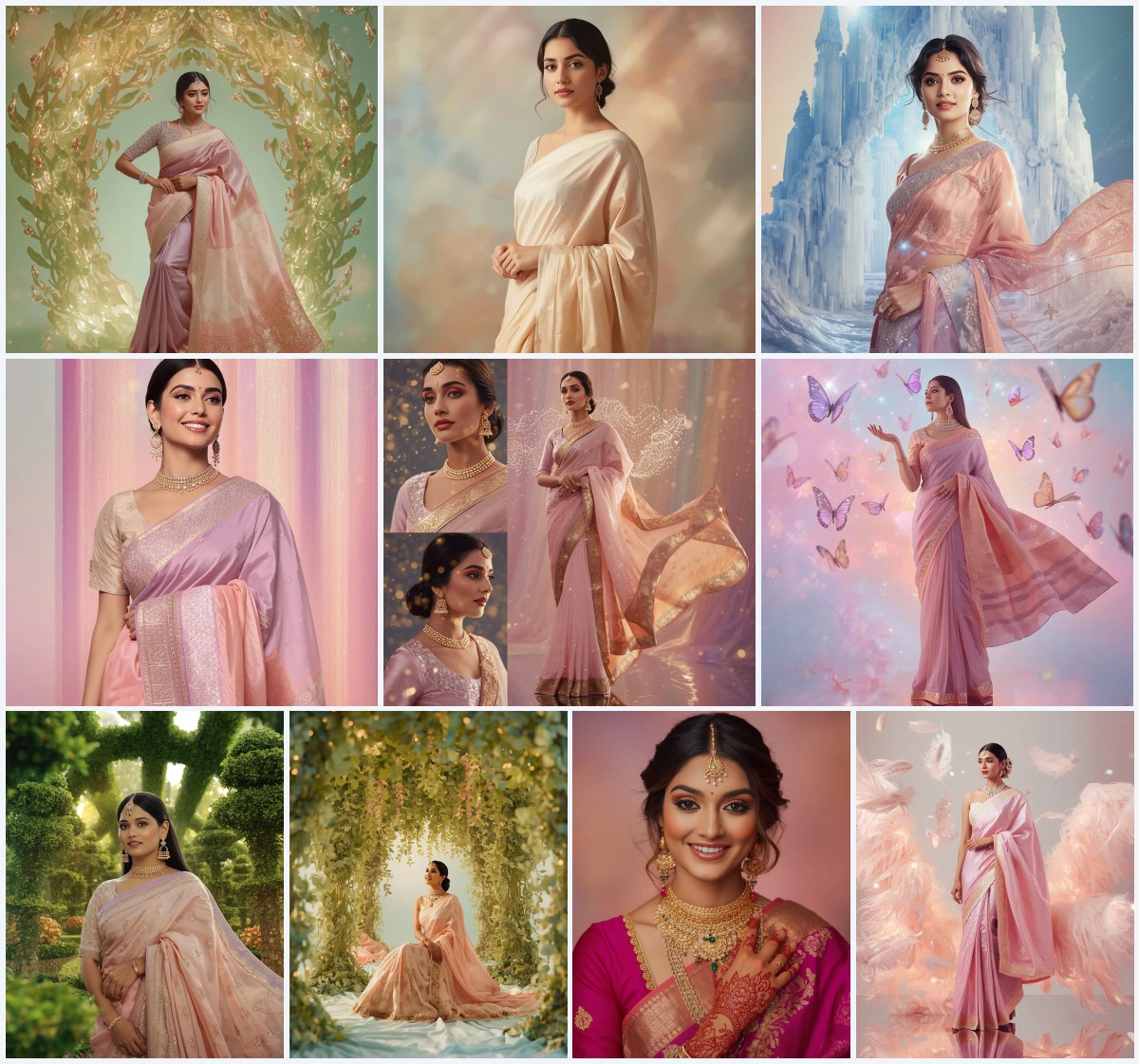
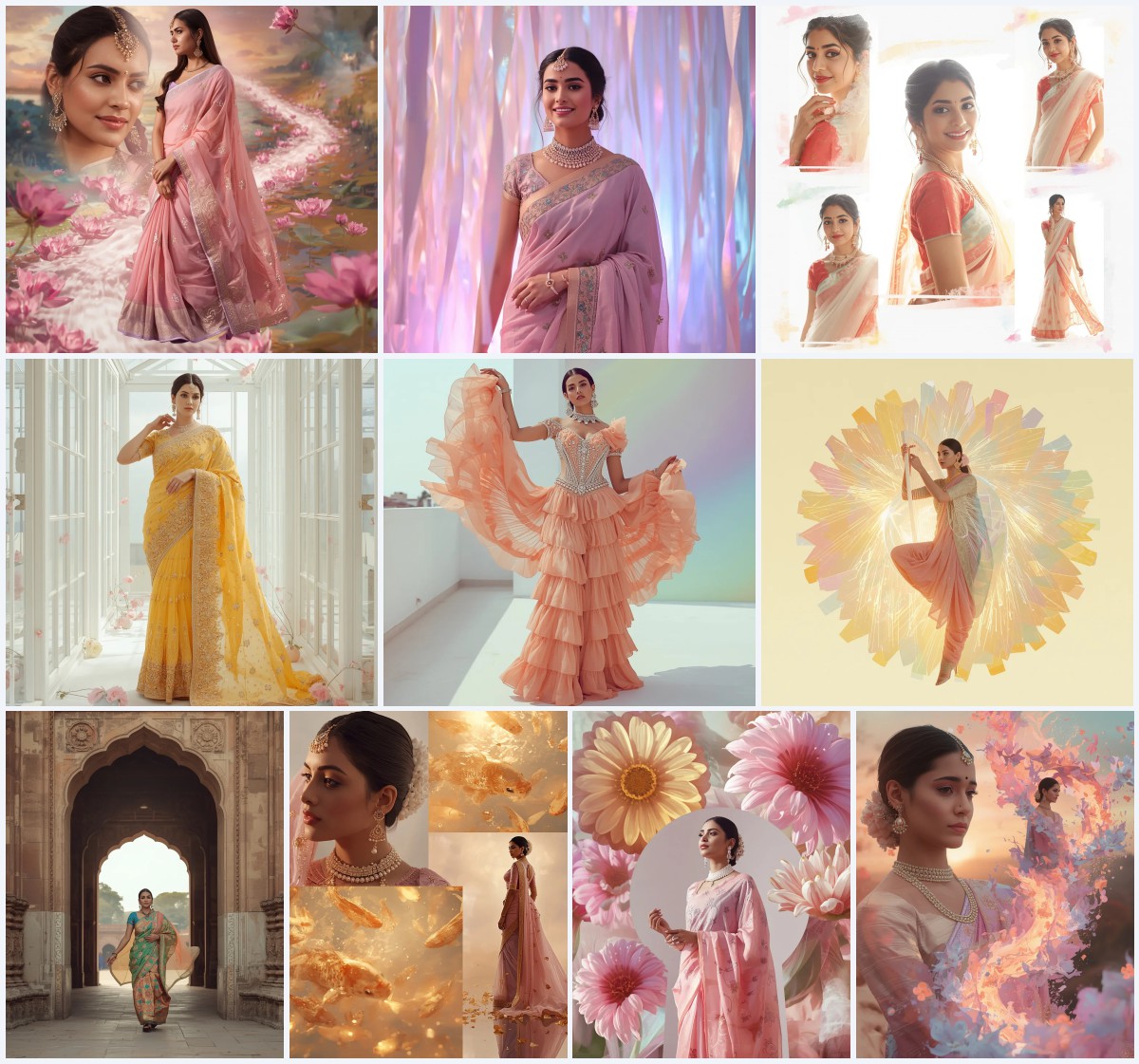
The "New 10 Aesthetic Saree Prompt for Dreamy Artistry" is a collection of highly detailed, conceptually rich text prompts designed to generate surreal, high-fashion digital collages. At the heart of each prompt is an Indian woman styled in a festive pastel saree. However, instead of a simple portrait, these prompts place the subject inside complex, multi-dimensional environments. They combine traditional Indian elements with high-concept themes like zero-gravity physics, architectural metamorphosis, and recursive geometry.
These prompts are engineered to produce visual collages rather than single-focus photos. This means the resulting images often feature multiple frames, including close-up portraits, side profiles, and full-body stances, all integrated into a single cohesive composition. This collage style mimics high-end editorial layouts found in premium fashion magazines, making them highly sought after for social media feeds and digital portfolios.
Why New 10 Aesthetic Saree Prompt for Dreamy Artistry Is Trending
This particular trend is taking platforms like Instagram by storm because it offers a fresh, modern spin on cultural representation. Traditional saree photography is beautiful, but blending it with surrealist digital art allows creators to stand out in a crowded feed. The soft pastel aesthetic—featuring shades of blush pink, lavender, and peach—resonates strongly with the popular "soft girl" and "college aesthetic" trends online, making these images highly shareable and viral-prone.
Additionally, the complexity of these AI-generated collages showcases the cutting-edge capabilities of modern image generators. Viewers are naturally drawn to images that require a second look to fully comprehend, such as a woman playing a digital harp while hovering mid-air, or a zero-gravity chess game played with giant liquid-emerald pieces. It is this combination of cultural pride, fashion-forward styling, and mind-bending surrealism that keeps this trend at the forefront of AI digital artistry.
Popular Styles You Can Create
With this collection of prompts, you are not limited to just one look. The prompts are designed to span several distinct sub-genres of surreal digital art, allowing you to experiment with different moods and visual themes. Here are some of the most popular styles you can create using these prompts:
- Ethereal Fluid Opulence: Features subjects suspended within massive arrays of levitating crystal raindrops or liquid opal flows, highlighting natural drape physics and shimmering sequin details.
- Cinematic Motion Echoes: Utilizes multiple light echo trails and layered motion frames to capture graceful movement across temporal dimensions.
- Surreal Psychological Art: Explores abstract concepts where thoughts manifest physically as floating semi-transparent brain structures, memory cubes, and glowing neural threads.
- Architectural Metamorphosis: Blends the human form with modern architecture, showing staircases, glass pillars, and futuristic bridges growing seamlessly from the subject's silhouette.
- Augmented Reality Fantasy: Showcases futuristic elements, such as a hovering digital harpist playing inside a rotating shield of pastel prism geometry.
- Imperial Crystal Palace: Places the subject in a majestic setting filled with blooming lotus chandeliers, glass domes, and reflective pearl waters.
How to Use New 10 Aesthetic Saree Prompt for Dreamy Artistry
Getting the perfect image requires a systematic approach to inputting and refining your prompts. Follow these seven steps to achieve the best results with your chosen AI image generator:
- Select your desired prompt from our curated list, focusing on the specific theme (e.g., Crystal Raindrops or Imperial Palace) that fits your creative vision.
- Choose the AI image generation platform where you want to paste the prompt, such as Midjourney, Flux, Leonardo, ChatGPT, or Gemini.
- Copy the prompt text exactly as written to preserve the intricate details regarding fabric texture, lighting, and composition.
- If desired, customize the color palette by swapping out pastel tones like 'blush pink' or 'lavender' for your own preferred color scheme.
- Adjust the aspect ratio parameter at the end of your prompt to match your target platform (e.g., use 9:16 for Instagram Reels/Stories or 1:1 for standard posts).
- Run the generation and review the initial grid of images, paying close attention to how the AI rendered the complex collage frames and saree details.
- Select the best variation and perform an upscale, or use inpainting tools to fix minor details like hand anatomy or fabric folds.
What Kind of Base Photo Works Best?
If you are using an image-to-image workflow or a face-swapping tool to put your own likeness (or a model's likeness) into these dreamy saree setups, choosing the right base photo is critical. The base photo should feature clear, high-resolution lighting with minimal shadows on the face. A neutral, soft expression works best, as it blends seamlessly with the calm, regal, and ethereal expressions depicted in these high-fashion prompts.
Avoid using photos with busy backgrounds, extreme angles, or heavy filters, as these can confuse the AI's structure-mapping algorithms. A simple headshot or bust portrait against a plain background, taken in soft natural light, will yield the most realistic and seamless integration into the complex, surreal collage backgrounds generated by the prompts.
Which AI Tools Deliver the Best Results?
Different AI image generators have unique strengths when it comes to rendering complex textiles, human anatomy, and surreal background elements. To help you choose the right platform, we have compiled a comparison of how the top AI tools handle these aesthetic saree prompts.
| AI Tool | Saree Textures & Embroidery | Collage & Composition Depth | Best Suited For |
|---|---|---|---|
| Midjourney | Excellent (highly detailed silk and gold zari) | Superb (creates beautiful, artistic layouts) | High-fashion editorial look |
| Flux | Very Good (excellent drape physics) | Excellent (highly realistic rendering) | Realistic photo-style collages |
| Leonardo | Good (great pre-set styles) | Good (highly customizable) | Fantasy and digital painting styles |
| ChatGPT / DALL-E | Decent (vibrant colors) | Moderate (sometimes merges frames) | Quick conceptual drafts |
| Gemini | Good (soft, dreamy pastel rendering) | Decent (accurate prompt adherence) | Clean, modern social media posts |
Pro Tips
To truly elevate your AI-generated saree art, try incorporating these expert tips into your workflow. First, pay close attention to fabric descriptors; using terms like "handwoven Banarasi silk" or "heavy gold zari borders" forces the AI to render rich, tactile surfaces rather than flat textures. Second, when creating collages, use keywords like "closed system," "internal repetition," or "recursive patterns" to encourage the AI to generate beautifully organized multi-frame layouts instead of chaotic, messy splits. Finally, don't hesitate to experiment with lighting terms—adding "volumetric soft lighting" or "subtle prismatic refractions" can instantly enhance the dreamy, ethereal atmosphere of your pastel scene.
Common Issues and Quick Fixes
Generating complex, multi-frame collages with intricate clothing can sometimes lead to rendering errors. Here are the most common issues you might encounter and how to quickly resolve them:
| Common Issue | Root Cause | Quick Fix / Solution |
|---|---|---|
| Distorted or floating hands | AI struggling with complex hand anatomy in multi-frame poses | Use an inpainting tool to brush over the hands and re-generate with the prompt "perfect hands, elegant fingers." |
| Saree pleats look unnatural | Conflicting physics descriptors in the prompt | Simplify the drape description to "elegant flowing pallu with natural realistic folds and subtle drape physics." |
| Collage frames look messy or chaotic | The AI is trying to merge too many abstract concepts at once | Add terms like "clean borders," "organized grid layout," or "symmetrical composition" to your negative prompt or text. |
Frequently Asked Questions
Can I use these prompts in free AI image generators?
Yes, you can copy and paste these prompts directly into free tools like the basic versions of Leonardo or Gemini, as well as premium tools like Midjourney and Flux, to generate high-quality images.
How do I change the color of the saree in the prompt?
Simply locate the color descriptors in the prompt text (such as 'soft blush pink, lavender, peach') and replace them with your preferred color palette, like 'royal blue, emerald green, or deep crimson'.
What is the best way to get a realistic face in the final image?
To ensure a highly realistic face, use tools that excel at human anatomy, such as Flux or Midjourney, and avoid overloading the prompt with too many conflicting facial descriptors.
Conclusion
Creating dreamy, high-concept digital art featuring traditional South Asian attire has never been more accessible. By utilizing these ten aesthetic saree prompts, you can effortlessly generate stunning, editorial-grade collages that beautifully blend cultural heritage with futuristic surrealism. Whether you are pasting these prompts into Midjourney, Flux, Leonardo, ChatGPT, or Gemini, the intricate details of Banarasi silk, gold zari embroidery, and soft pastel tones are guaranteed to produce mesmerizing results. Embrace your creativity, experiment with different visual styles, and start sharing your unique, AI-generated masterpieces with the world today.