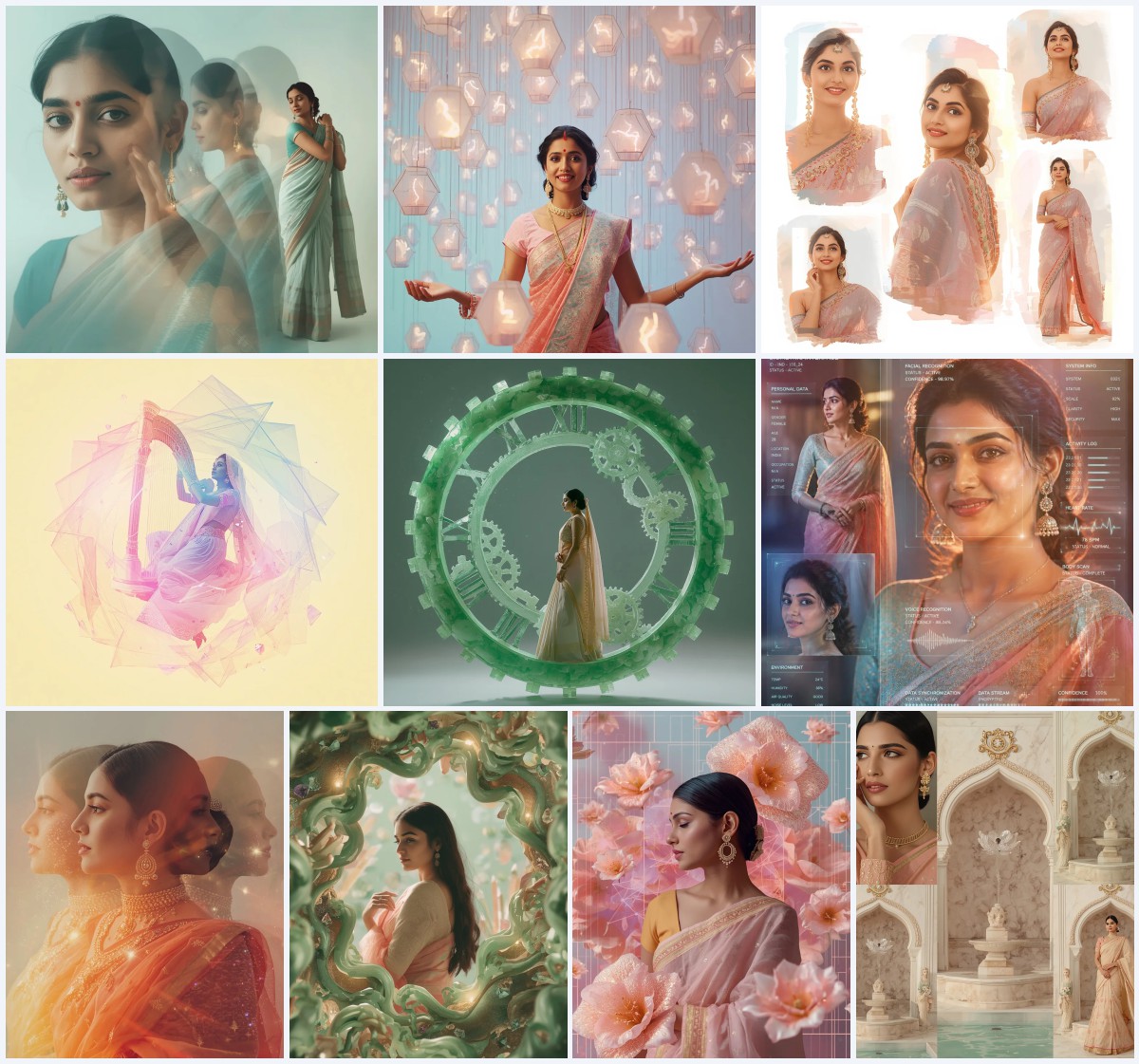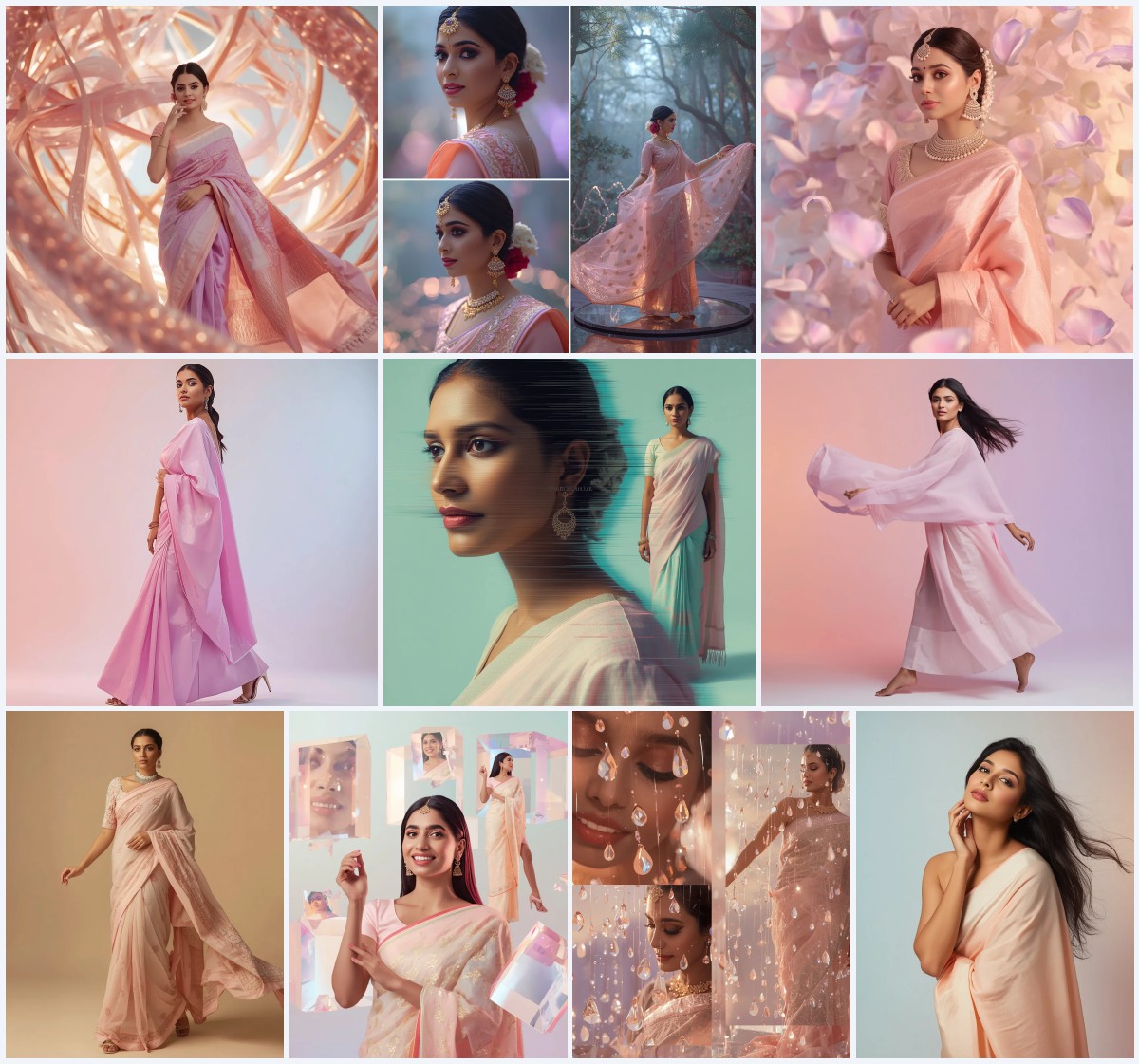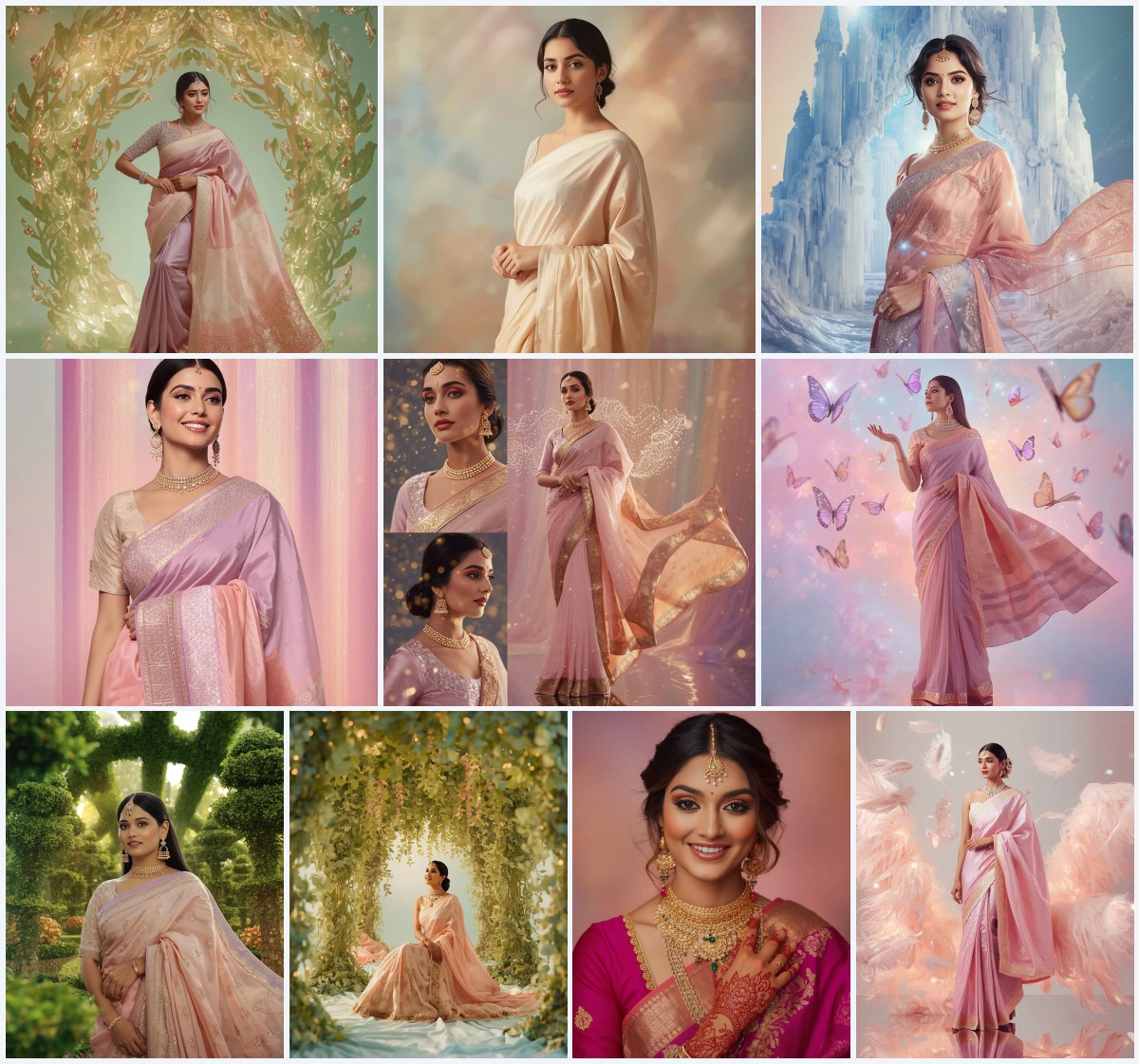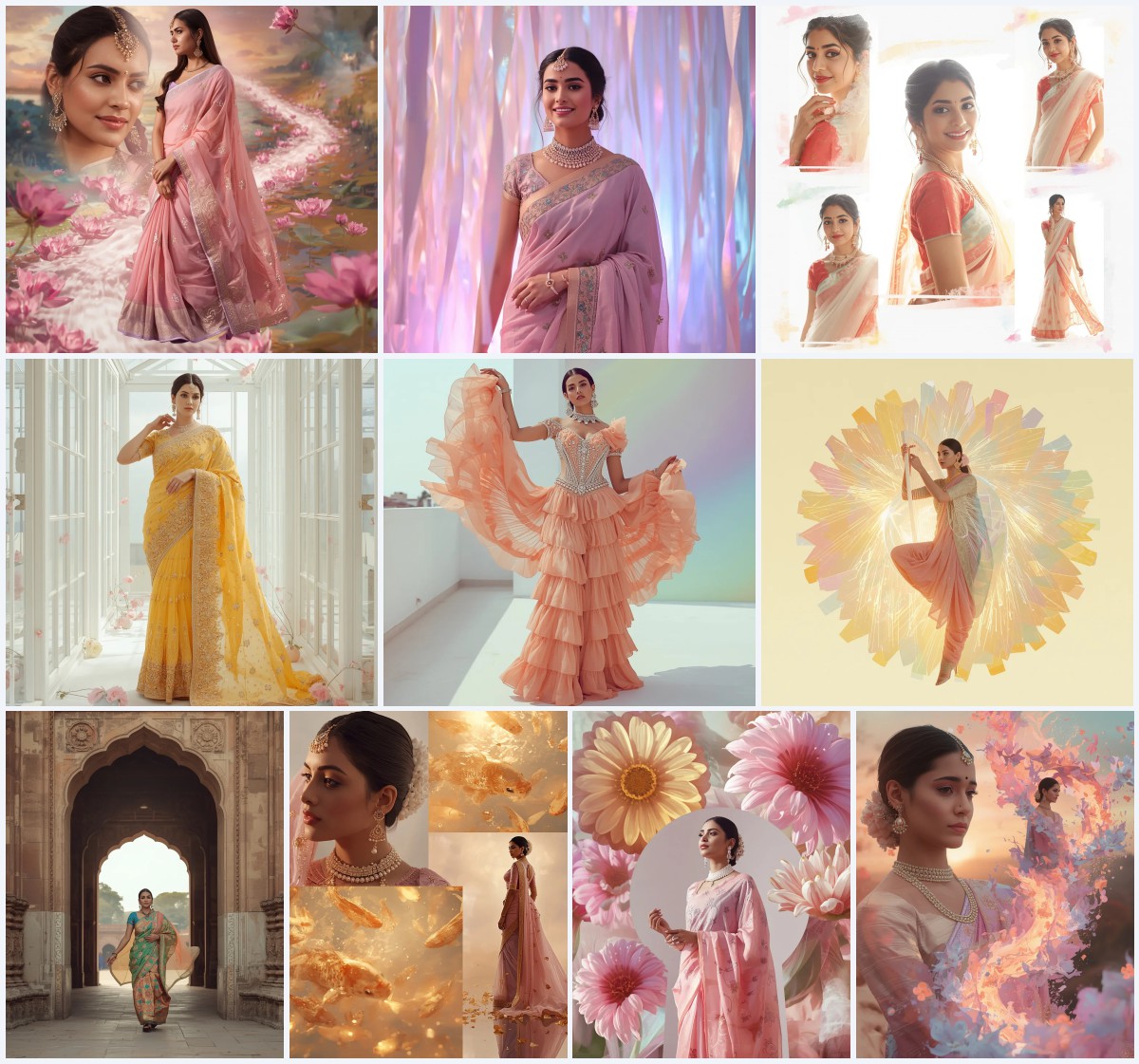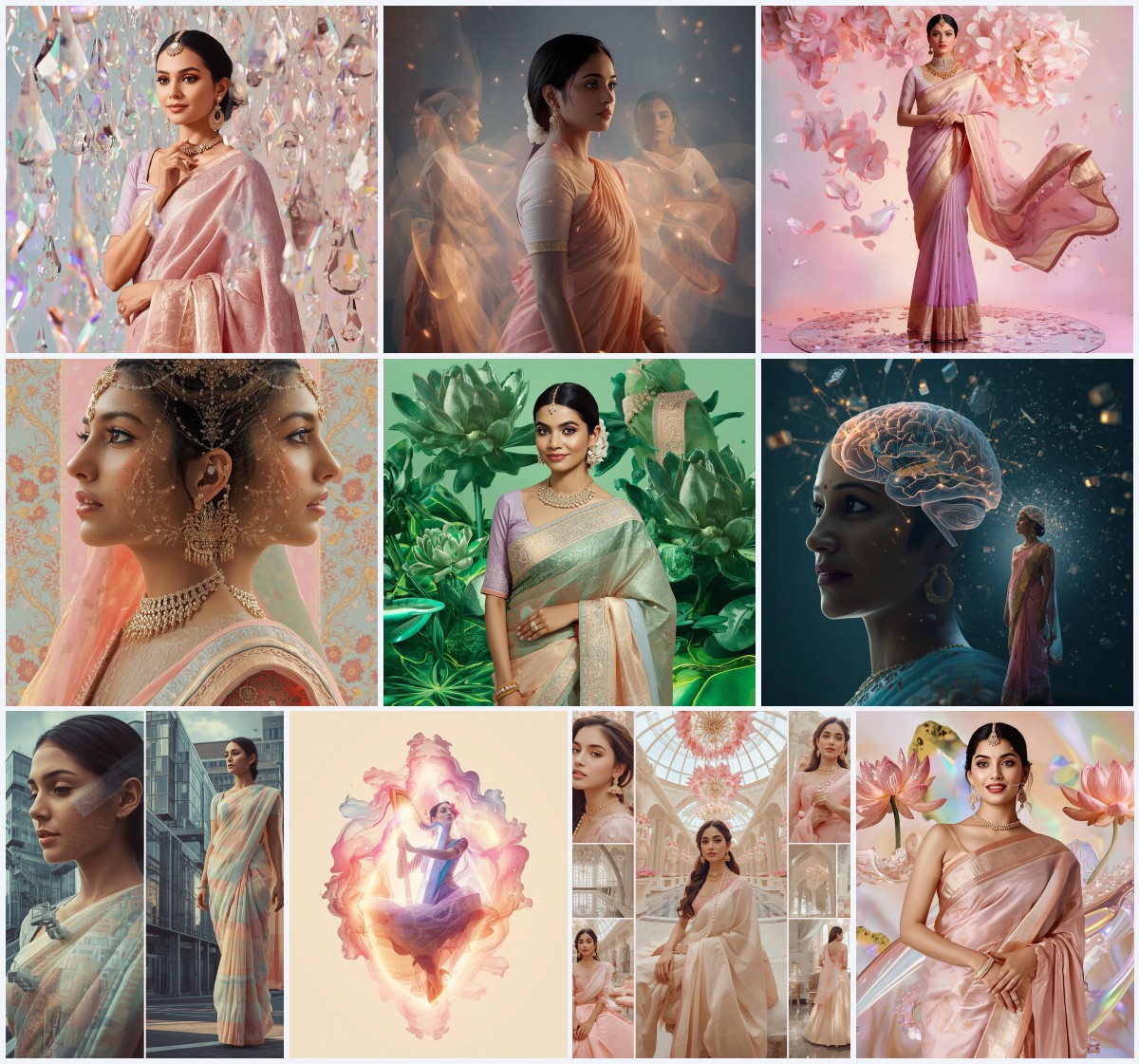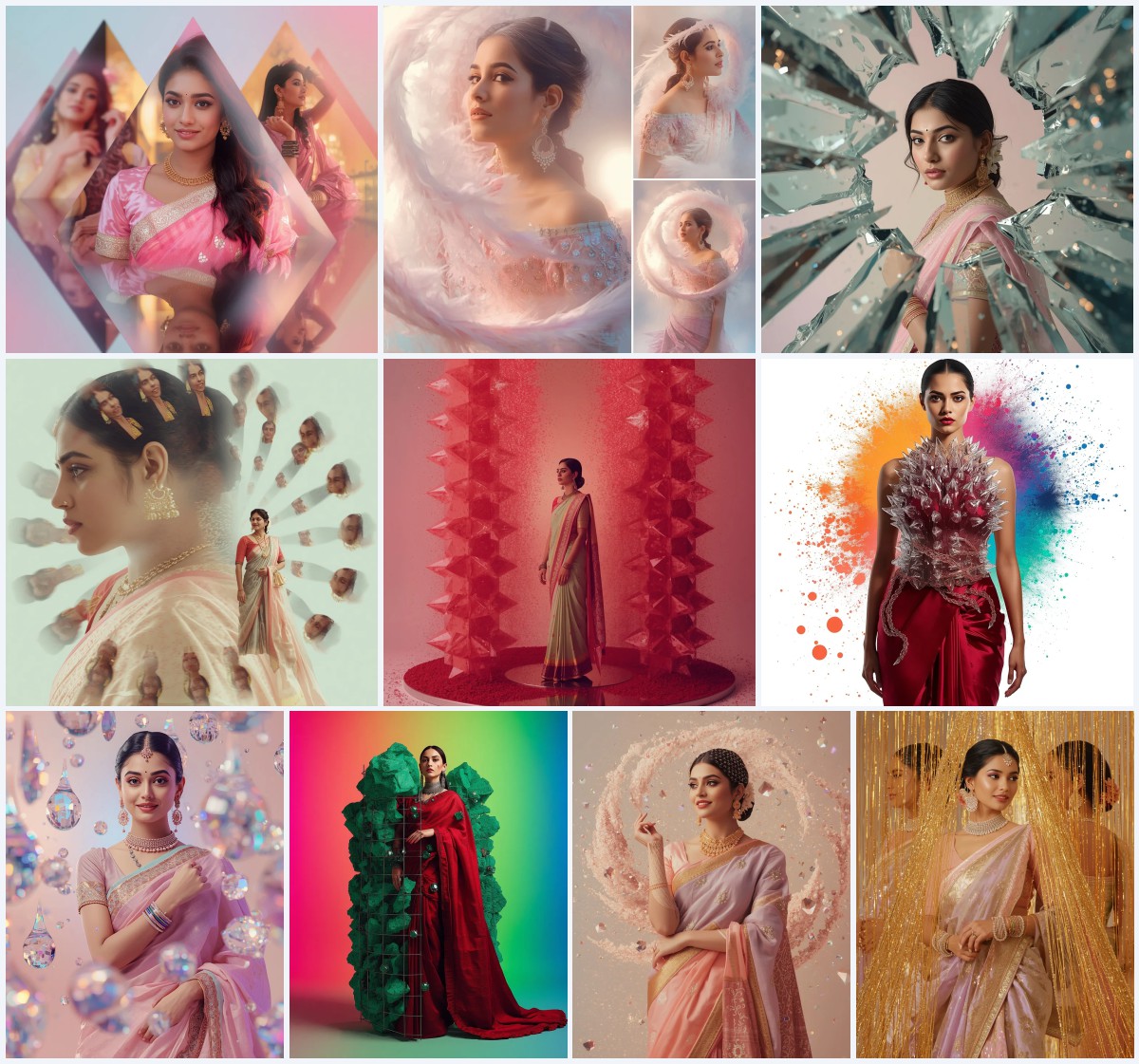
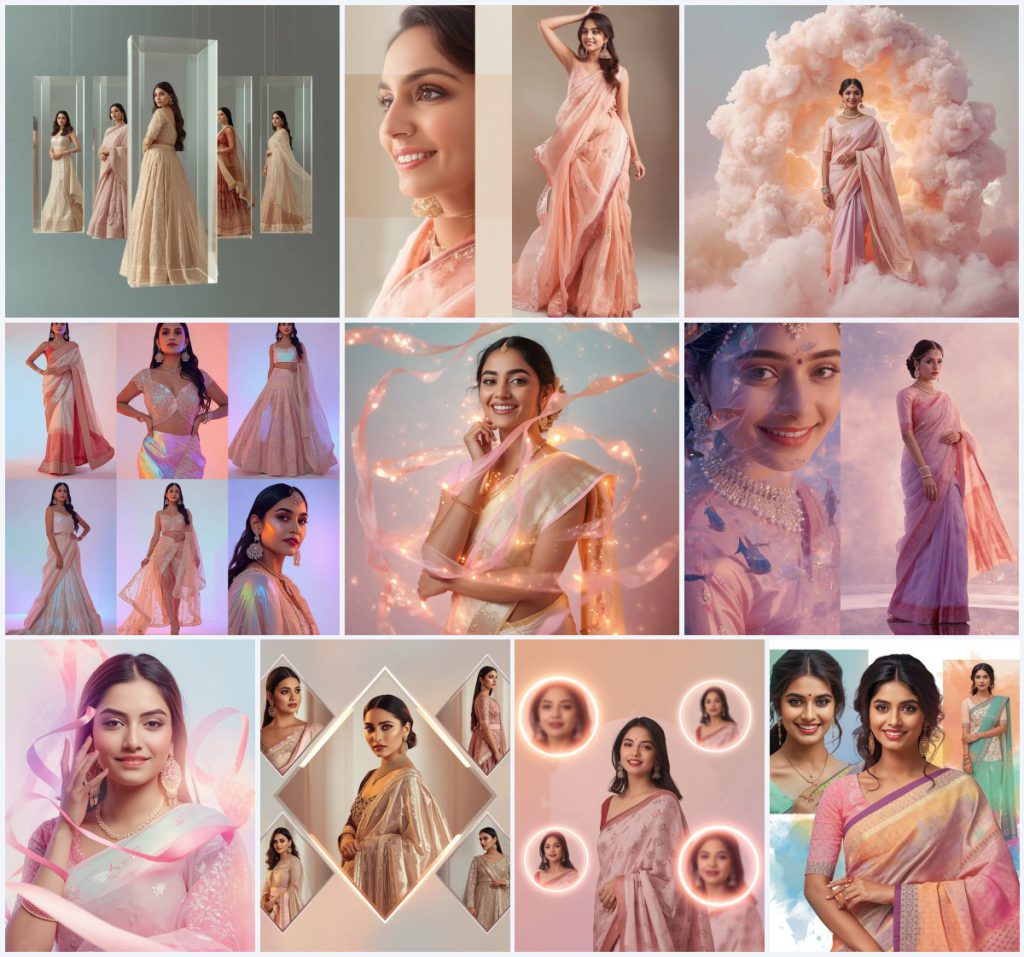


A complete guide to generating breathtaking, versatile Indian saree images using advanced ChatGPT prompts and creative collage layouts.
The intersection of traditional South Asian fashion and artificial intelligence has opened up a universe of creative possibilities. Digital artists, fashion bloggers, and marketing professionals are increasingly turning to advanced AI prompts to generate high-fidelity, culturally rich images. Among these, the elegant Indian saree remains one of the most sought-after subjects due to its intricate drapes, luxurious textures, and timeless appeal. By leveraging generative technology, creators can now visualize stunning ethnic wear designs without the need for expensive physical photoshoots.
Generating realistic fabric folds, intricate embroidery, and balanced lighting on ethnic wear can be challenging for standard AI models. To overcome this, specialized prompt engineering is required. By using highly descriptive keywords, specific camera lenses, and creative environmental concepts like floating glass panels or glowing particle ribbons, creators can generate stunning, editorial-grade imagery. These detailed instructions help the AI understand the unique texture of traditional Indian textiles and the subtle physics of how a saree drapes around the human body.
This comprehensive guide explores the top ten saree prompts designed for ChatGPT and other leading AI engines. Whether you are aiming to create a futuristic holographic collage, a dreamy watercolor splash, or a classic Banarasi silk showcase, these prompts provide the perfect foundation. We will break down the structural elements of these prompts, offer practical tips for customization, and guide you through the process of rendering flawless, high-resolution digital art. Let's delve into how you can harness these tools to generate versatile and visually striking images.
What Are Saree Prompts for ChatGPT?
Saree prompts for ChatGPT are structured textual instructions engineered to guide AI image generators in rendering highly detailed, culturally accurate saree garments on digital models. These prompts specify the fabric type (such as Banarasi silk), embroidery styles (like gota patti and pearl work), and artistic layouts (such as multi-frame collages, floating glass, and dynamic color splashes) to ensure the output looks professional and realistic. By feeding these precise descriptions into ChatGPT, users can generate optimized prompts that can be pasted into various AI art generators to produce breathtaking visual results.
Why Saree Prompts for ChatGPT Is Trending
The massive global interest in Indian fashion, coupled with the rise of digital content creation for festivals like Diwali and weddings, has made saree prompts highly trending. Creators love using these prompts because they save hours of physical setup while delivering premium, magazine-quality results. The aesthetic appeal of pastel color palettes combined with futuristic elements like holographic glows or kinetic sculptures offers a fresh, modern take on traditional attire. This fusion of heritage and high-tech fantasy captures the imagination of audiences across social media platforms, driving high engagement and creative inspiration.
Popular Styles You Can Create
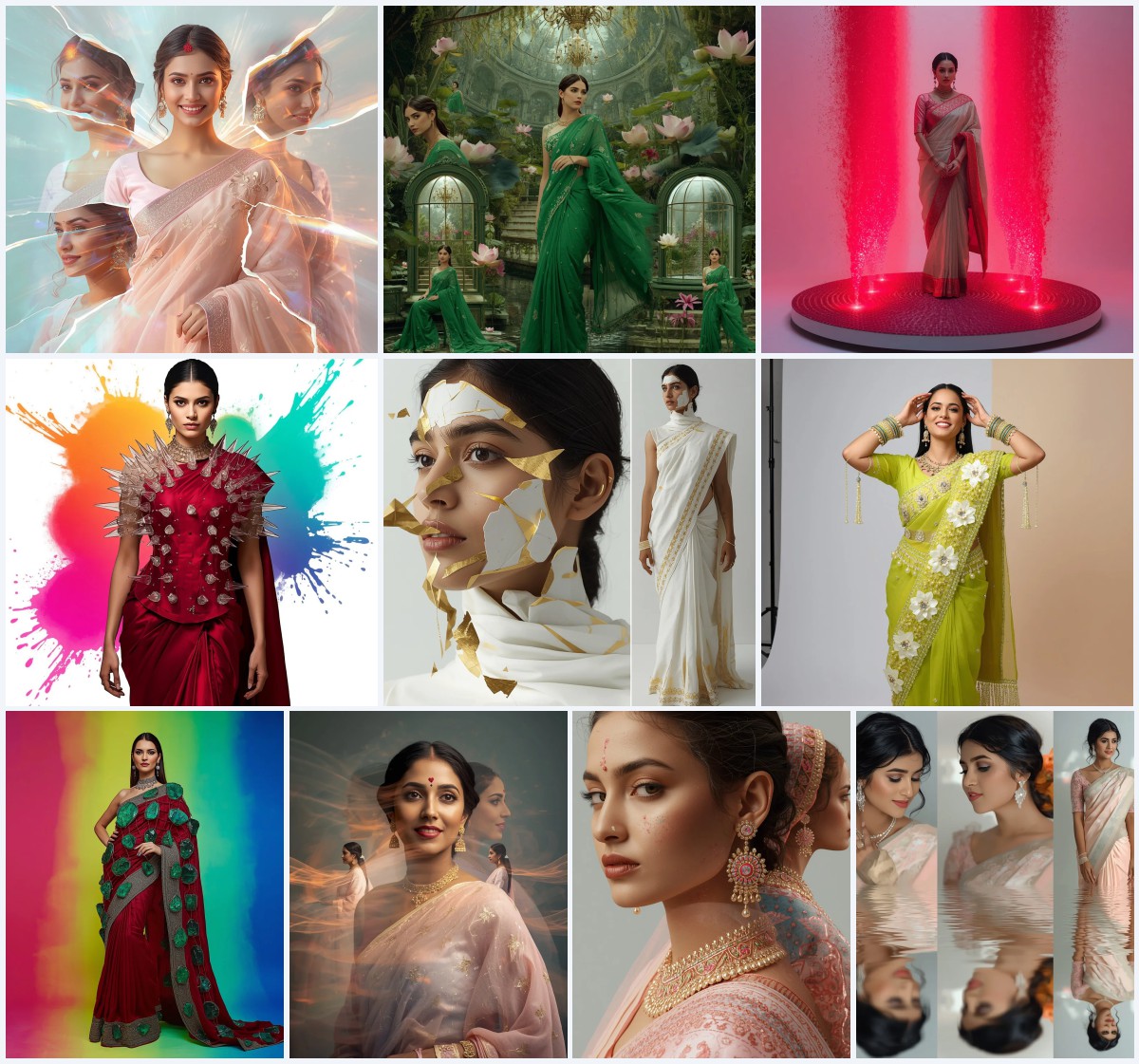
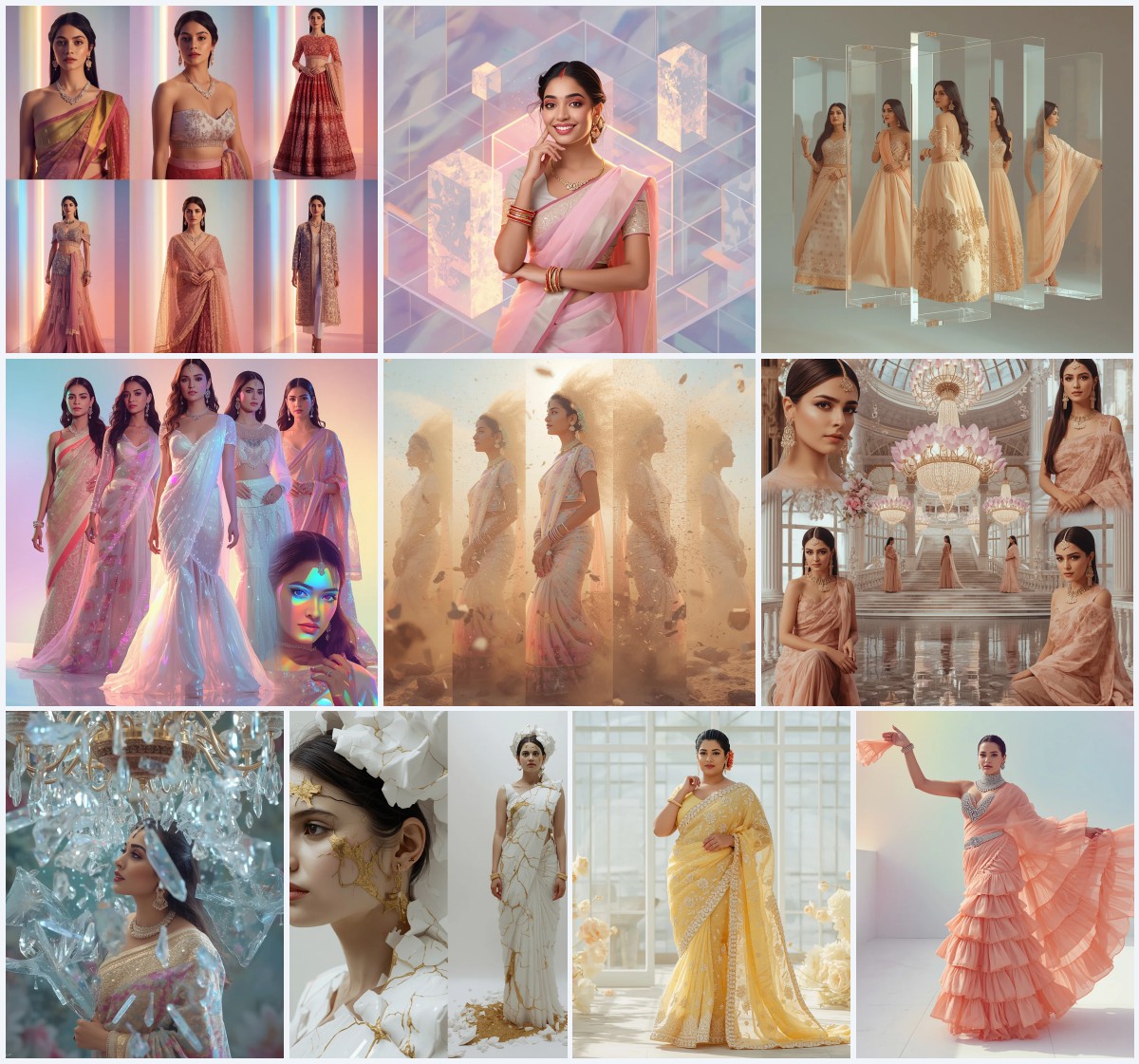
With these versatile prompts, you can explore a wide array of stunning visual styles that blend traditional elegance with contemporary art. One popular style is the Premium Floating Glass Collage, which suspends multiple festive outfits like mirror work lehengas, silk sarees, and Indo-western gowns within transparent glass panels, creating a luxury editorial look. Another trending aesthetic is the Kinetic Luminescent Cloud Bloom, which merges soft pastel sarees with shifting, glowing cloud structures for an ethereal, dreamlike atmosphere.
For those who prefer a futuristic touch, the Holographic Coral Reef style combines aquatic fantasy with traditional fashion, featuring glowing cyber-fish swimming around the model. Additionally, the Glowing Particle Ribbon Collage wraps the subject in ribbons of glowing dust particles, adding magical motion and cinematic depth. These diverse styles ensure that you can generate images tailored to any creative campaign, social media aesthetic, or digital art portfolio.
How to Use Saree Prompts for ChatGPT
To get the most out of these prompts, it is important to follow a structured workflow. This ensures that the generated images maintain high fidelity, accurate proportions, and the exact stylistic elements you desire. Here is a simple 7-step guide to help you generate beautiful saree images:
- Select your preferred saree prompt from our curated list of high-end concepts.
- Copy the prompt text and paste it into ChatGPT to customize specific details if needed.
- Open your preferred AI image generator, such as Midjourney, Flux, or Leonardo.
- Adjust the color keywords in the prompt to match your desired palette (e.g., changing blush pink to mint green).
- Specify the aspect ratio in the generator settings (such as 16:9 for landscape or 9:16 for mobile screens).
- Run the prompt and wait for the AI to generate the initial set of images.
- Select the best image and use an AI upscaler to enhance the texture of the Banarasi silk and gold jewelry.
What Kind of Base Photo Works Best?
If you are using an image-to-image workflow or face-swapping tool to place a specific person into these saree designs, choosing the right base photo is crucial. A clean, front-facing portrait with neutral lighting works best. Avoid photos with harsh shadows, busy backgrounds, or extreme angles, as these can confuse the AI model. A high-resolution photo with clear facial features allows the AI to accurately map the intricate Banarasi silk textures, heavy gold zari borders, and delicate sequin shimmers onto the subject without distorting the facial features or the natural drape physics of the elegant flowing pallu.
Which AI Tools Deliver the Best Results?
Different AI tools offer unique advantages when it comes to rendering complex textiles and ethnic wear. While some excel at photorealism, others are better at capturing abstract, futuristic elements. Below is a comparison of how different platforms handle these advanced saree prompts:
| AI Tool | Recommended Settings | Best Feature |
|---|---|---|
| Midjourney | --v 6.0 --style raw | Exceptional rendering of silk textures and gold embroidery |
| Flux | Pro Mode, High Detail | Superb prompt adherence and realistic hand shapes |
| Leonardo AI | Alchemist Pipeline, Photorealism | Excellent lighting control and creative upscaling options |
| Gemini | Natural Styling, High Quality | Soft pastel tones and smooth skin textures |
Pro Tips
To elevate your AI-generated saree images to a professional standard, consider implementing a few expert techniques. First, always specify the fabric and embroidery details explicitly in your prompts. Using terms like "handwoven Banarasi silk" or "gota patti pearl embroidery" forces the AI to render complex, high-quality textures. Second, play with camera-specific language; mentioning an "85mm lens" or "shallow depth of field" will give your images a high-end, professional photography feel with beautifully blurred backgrounds.
Additionally, do not hesitate to experiment with lighting terms such as "diffused cinematic lighting" or "soft rainbow holographic tones" to enhance the metallic shine of the gold zari borders. Finally, when creating collages, use structural keywords like "diamond-cut frames" or "glowing circular frames" to give the composition a balanced, modern layout. Here are some of the concrete details you can extract from our prompts to build your own custom variations:
- Luxurious handwoven Banarasi silk fabrics in pastel tones.
- Heavy gold zari borders and intricate gota patti pearl embroidery.
- Delicate sequin shimmer and elegant flowing pallu with natural realistic folds.
- Floating glass panels, looping frames, and diamond-cut patterns.
- Holographic glow effects, cyber-fish, and glowing dust particles.
- Dynamic soft pastel color splash effects bursting like watercolor.
Common Issues and Quick Fixes
When generating complex images like ethnic wear collages, you may run into a few common rendering issues. Understanding how to address these problems will save you time and help you achieve the perfect shot. Refer to the table below for quick solutions to common AI generation challenges:
| Common Issue | Root Cause | Quick Fix |
|---|---|---|
| Distorted Saree Pleats | AI struggles with complex fabric physics | Add "natural realistic folds and pleats with subtle drape physics" to prompt |
| Blurry Jewelry Details | Low resolution rendering of fine patterns | Use a creative upscaler or specify "8k resolution, highly detailed gold jewelry" |
| Awkward Collage Blending | Conflicting frame elements in the prompt | Use clean framing terms like "diamond-cut frame collage" or "glowing circular frames" |
Frequently Asked Questions
To help you navigate any further questions you might have about generating saree images with AI, we have compiled answers to the most common queries below.
Can I use these saree prompts in any AI generator?
Yes, you can copy and paste these prompts directly into major AI tools like Midjourney, Flux, Leonardo, Gemini, or ChatGPT to generate stunning visuals.
How do I change the color of the saree in the prompt?
Simply replace the pastel color keywords (like soft blush pink, lavender, peach) with your preferred color palette, such as royal blue, emerald green, or crimson red.
Why are the hands or jewelry sometimes distorted in the generated image?
AI models sometimes struggle with fine details. To fix this, use an AI image editor to upscale the image, or add negative prompts like "distorted hands, deformed fingers" if your tool supports them.
Conclusion
Using specialized ChatGPT prompts to generate versatile Indian saree images is a game-changer for digital artists and fashion creators alike. By combining traditional elements like Banarasi silk and gold zari borders with futuristic, surreal backgrounds, you can produce unique, high-end visuals that stand out. We encourage you to copy these prompts, experiment with different color palettes, and paste them into your favorite AI generators to unlock your creative potential today.