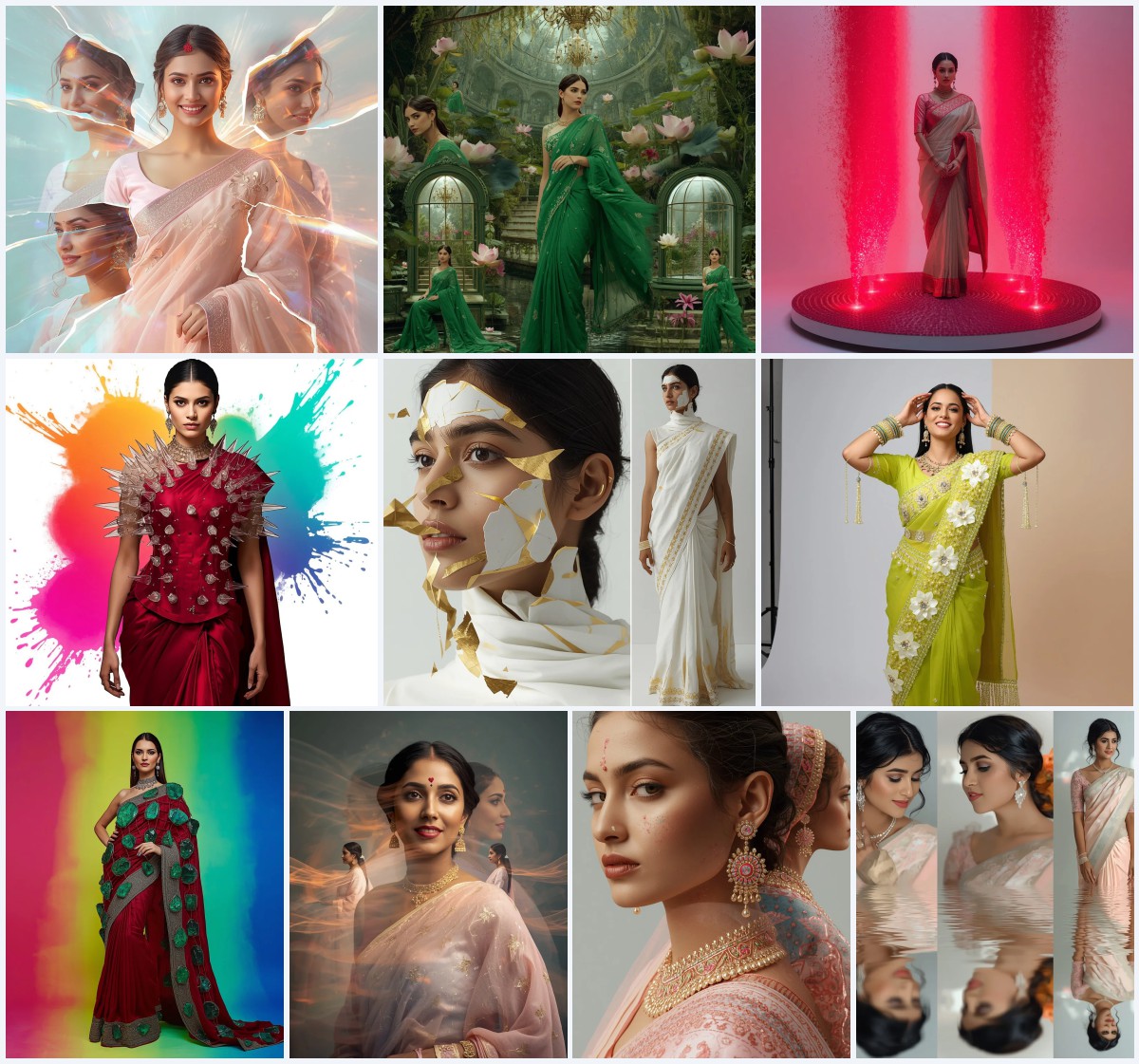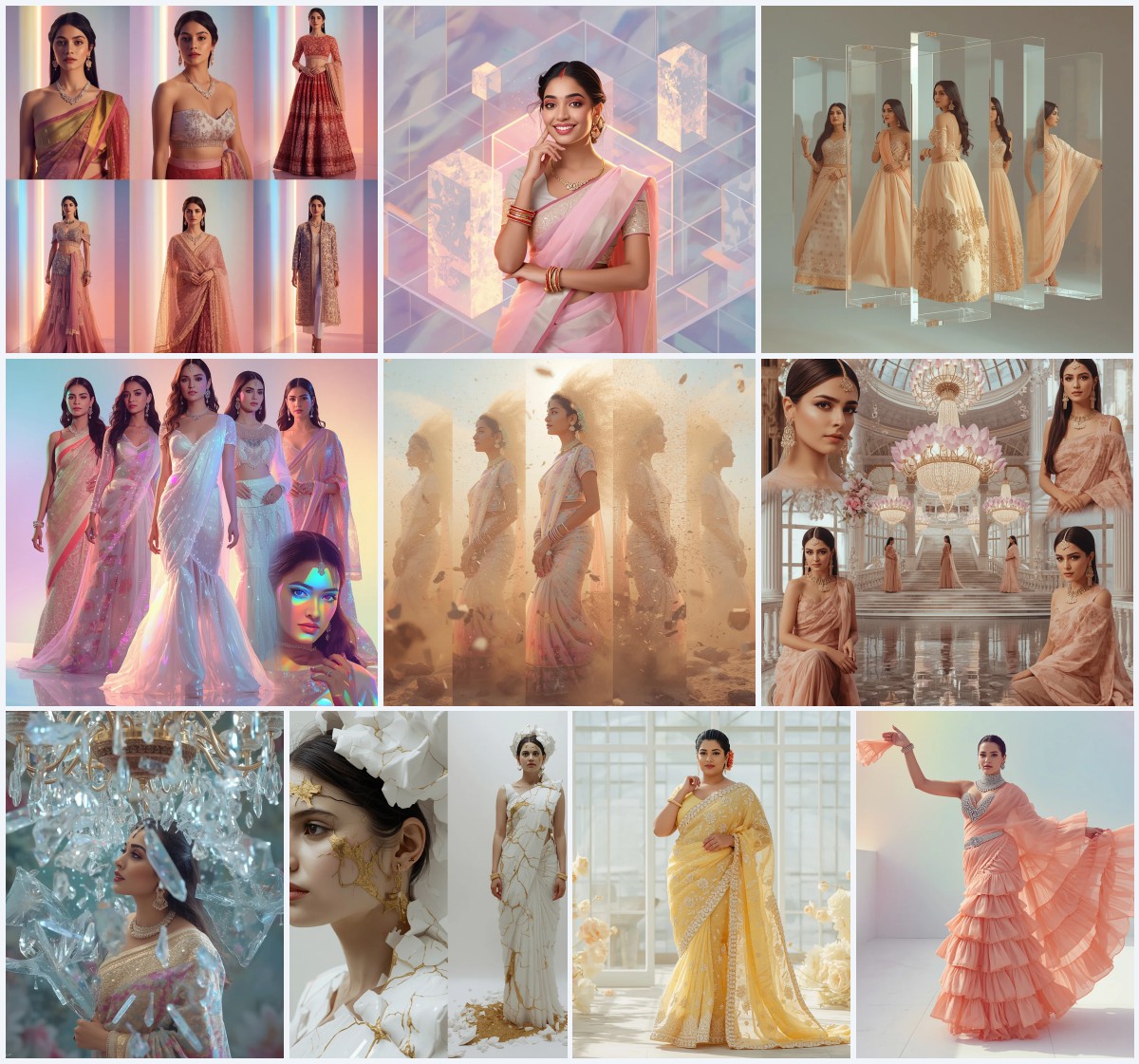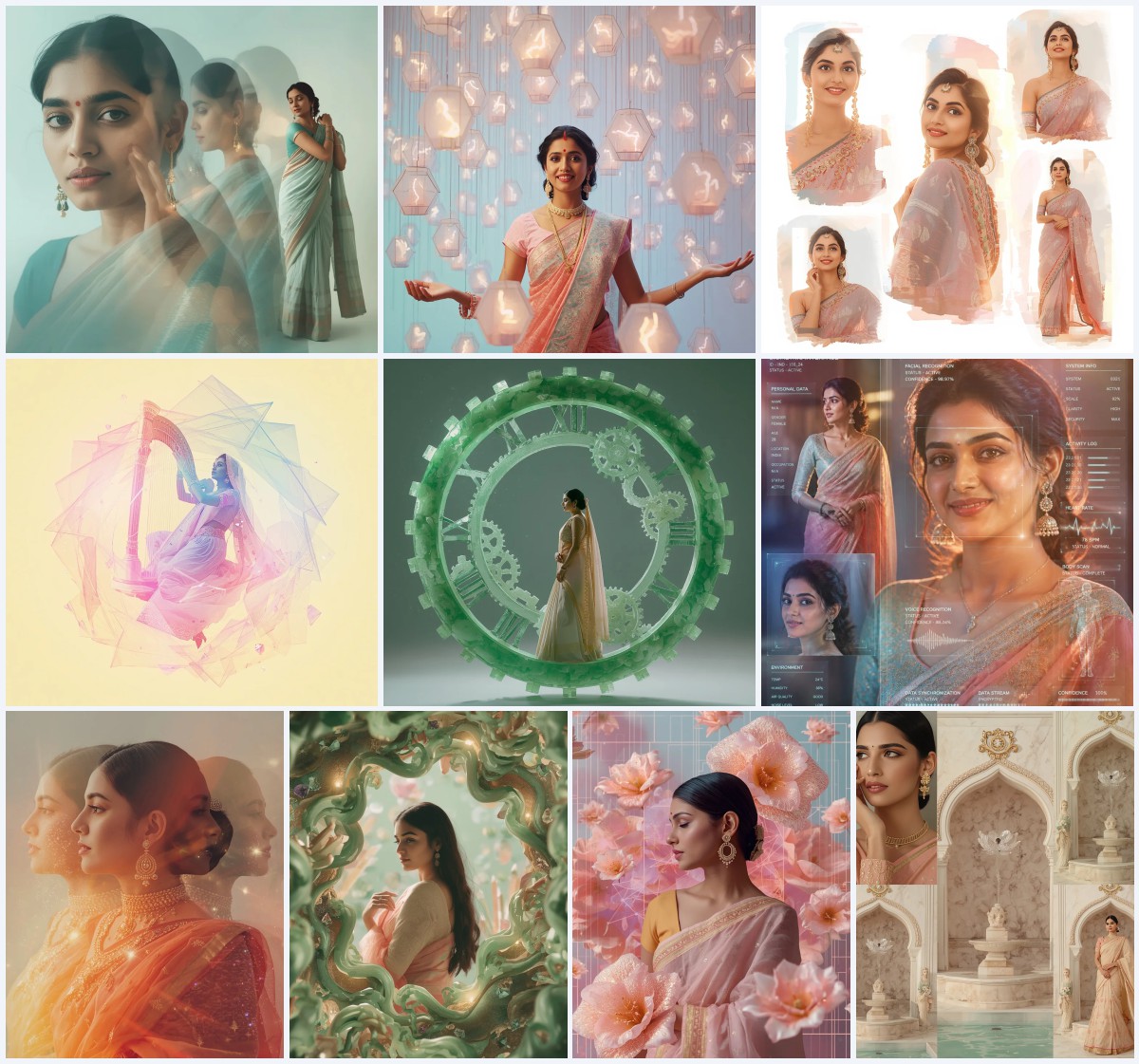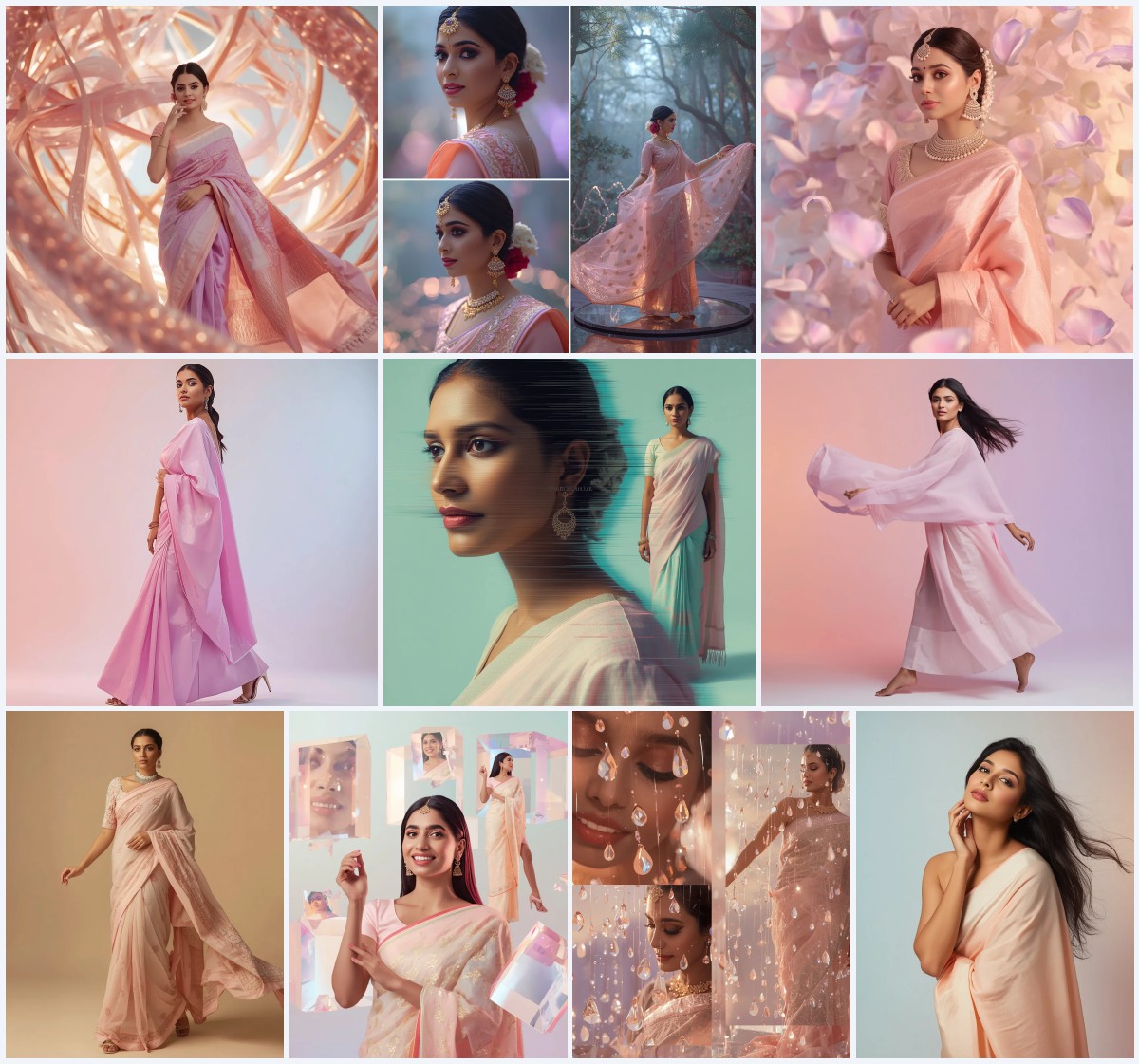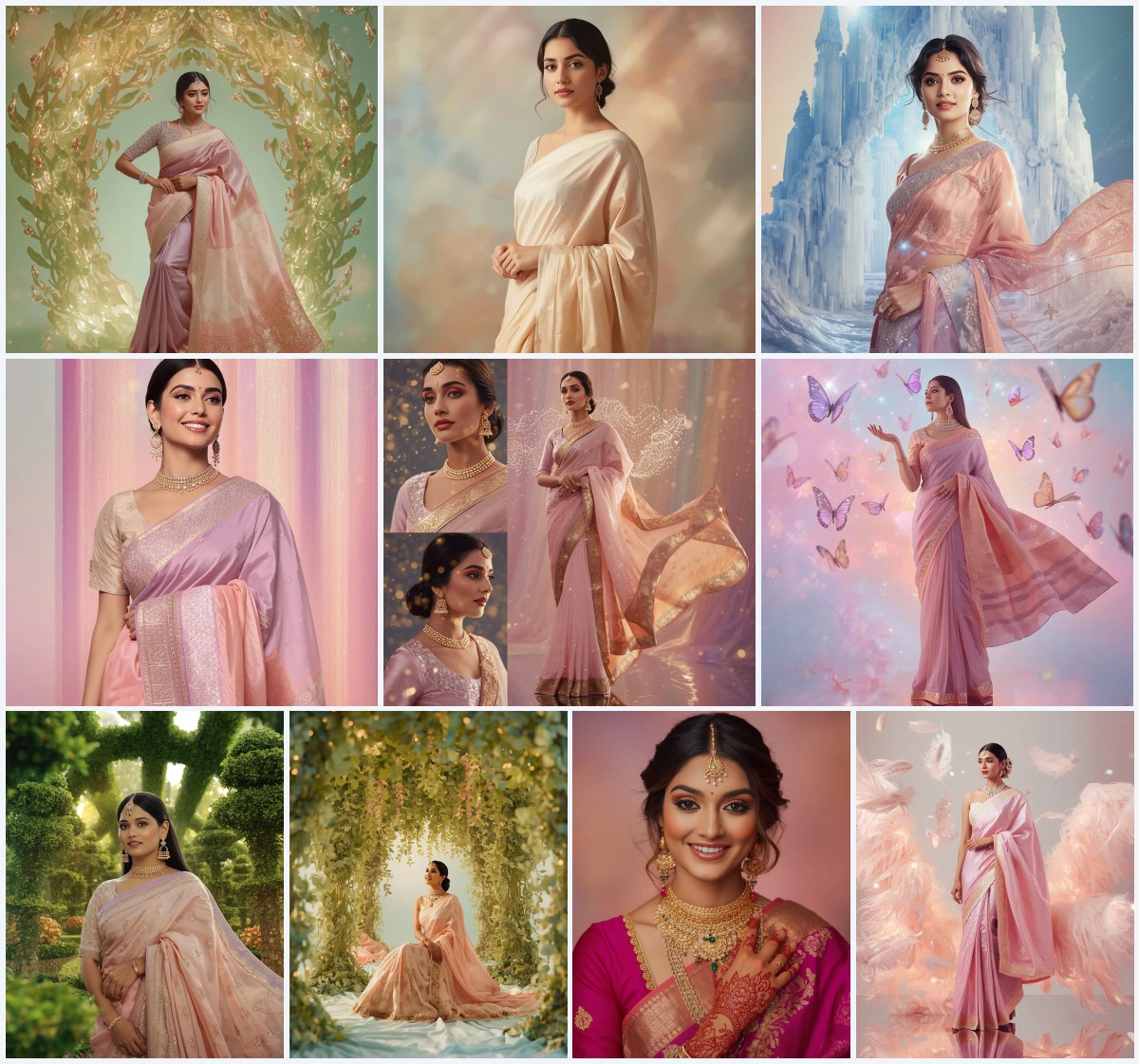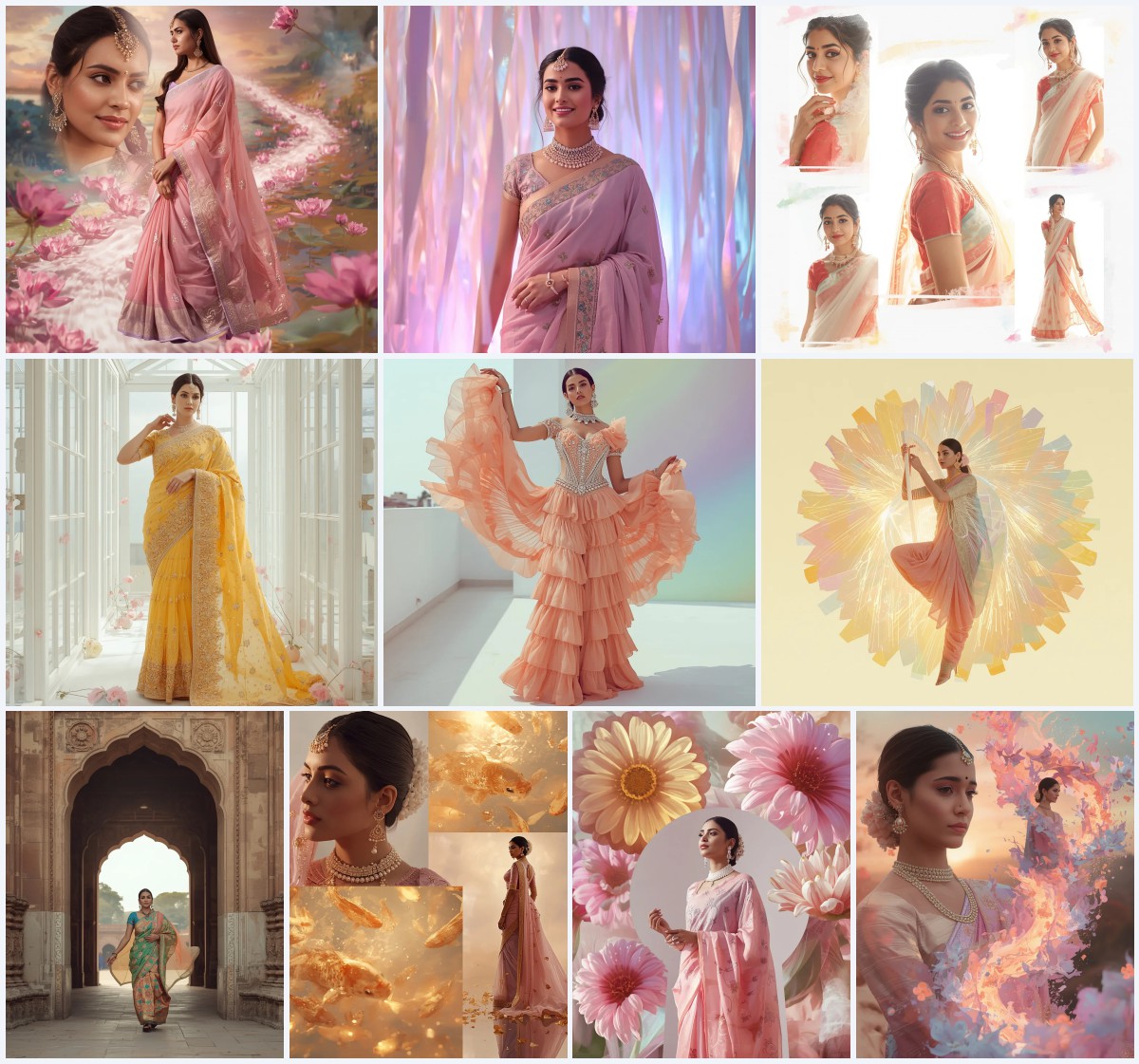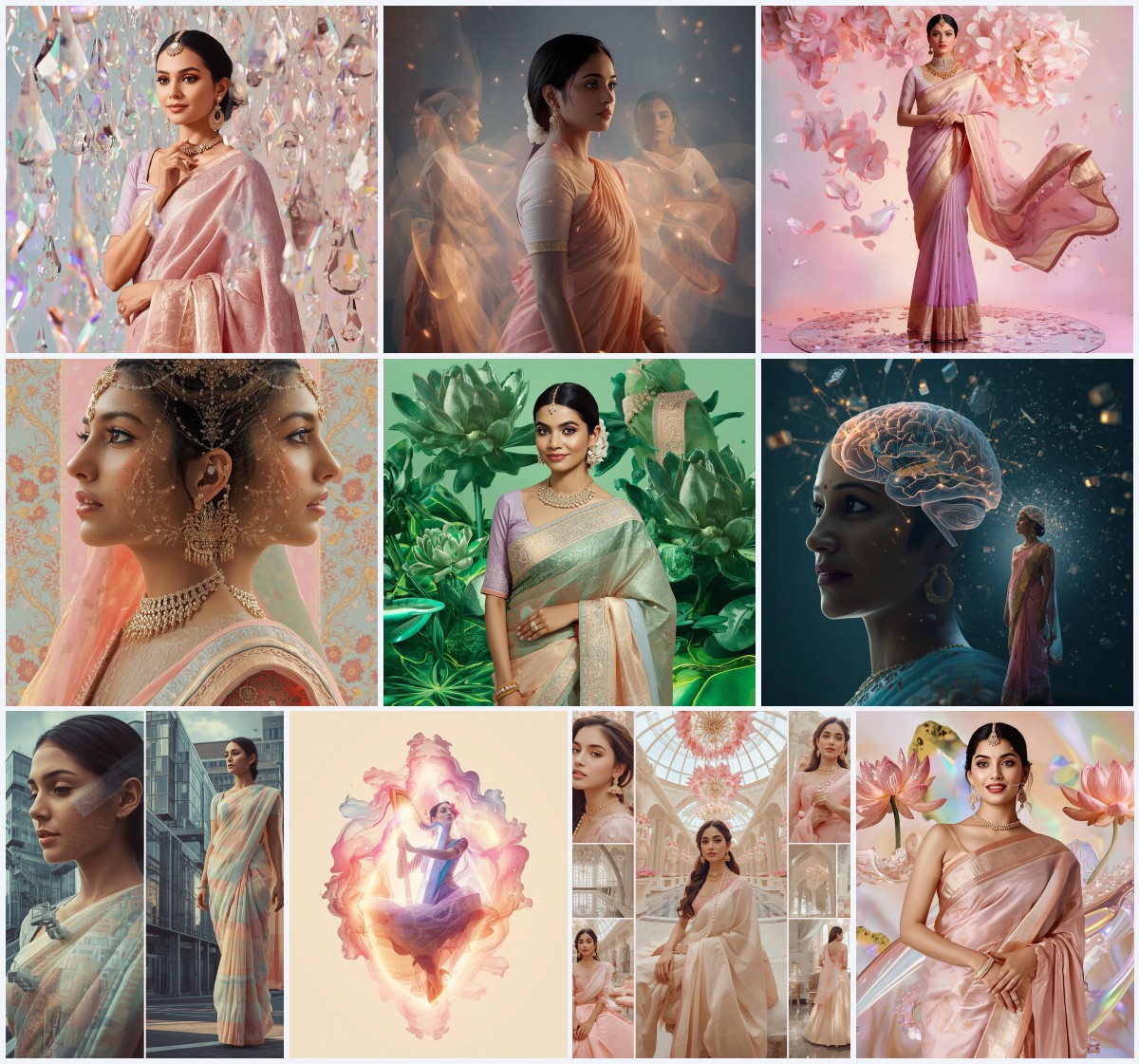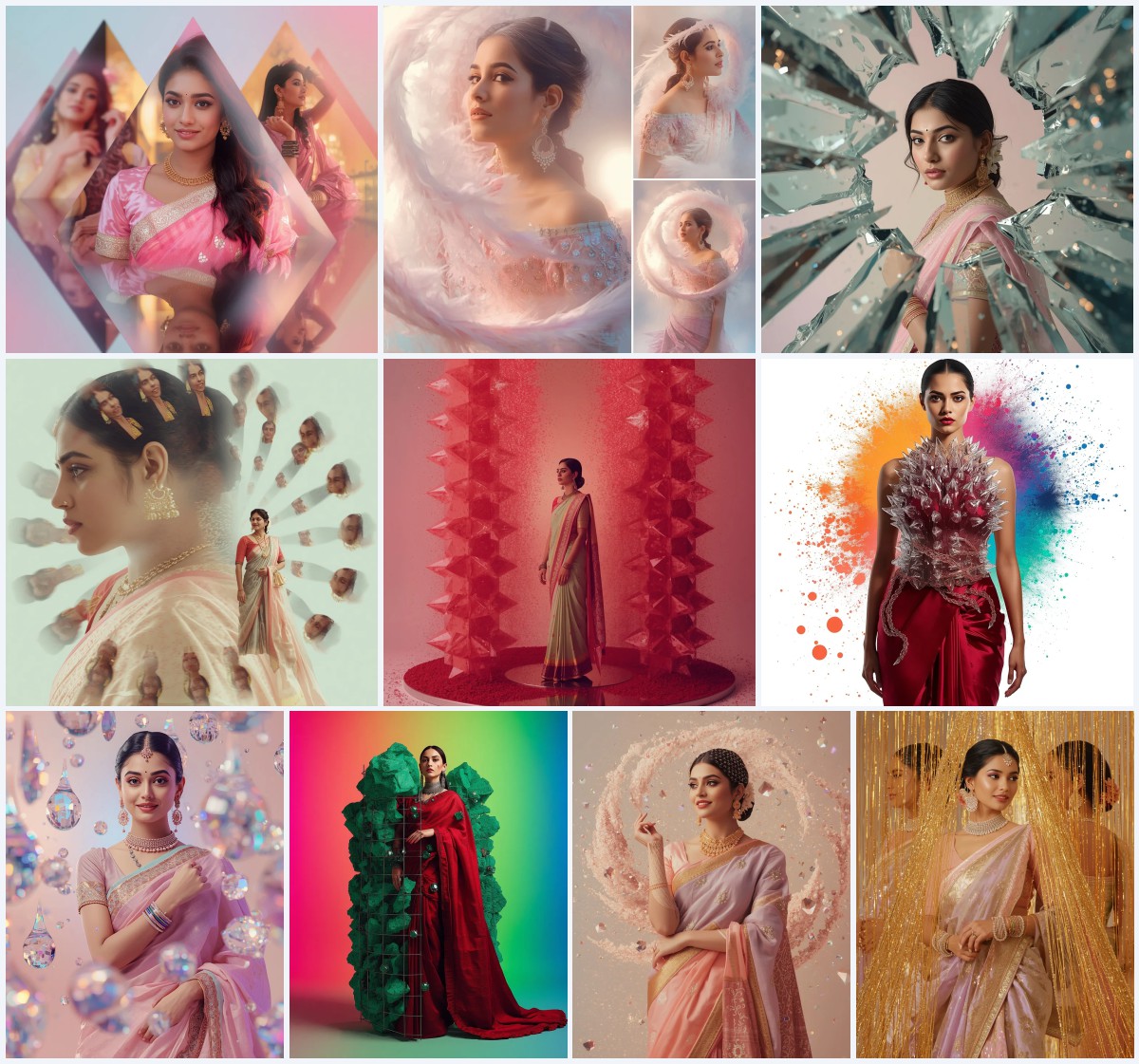


Discover the magical world of artistic watercolor and cinematic AI prompts designed to generate breathtaking, ethereal images of girls in dreamlike settings.
When it comes to digital art, the intersection of technology and delicate painting styles has opened up a universe of creative possibilities. Artistic girl's AI prompts in a watercolor painting style allow creators to blend the soft, bleeding edges of traditional pigments with the high-definition realism of modern rendering engines. These prompts capture the quiet moments of life, turning simple scenes into poetic visual masterpieces that look like they were painstakingly painted by hand over several weeks.
Whether you are looking to generate a serene girl gazing over a misty lake at dawn or a whimsical collage of a young girl playing with giant, galaxy-filled bubbles, these prompts provide the perfect foundation. They are designed to balance rich detail with soft, atmospheric lighting, ensuring that every output has a distinct, ethereal feel. By utilizing specific keywords like pastel dresses, glowing jellyfish, luminescent fireflies, and living coral, you can guide AI generators to produce stunningly cohesive and artistic results.
As social media platforms continue to favor highly aesthetic and unique visual content, mastering these artistic prompts is a game-changer for digital artists, influencers, and hobbyists alike. These prompts are not just instructions; they are a gateway to creating emotional, narrative-driven art that stands out in a crowded digital landscape. In this guide, we will explore the best ways to utilize these artistic prompts, the optimal tools for generation, and expert tips to perfect your creations.
What Are Artistic Girl's AI Prompts?
Artistic girl's AI prompts are specialized text descriptions designed to instruct artificial intelligence models to generate images featuring female subjects within highly stylized, painterly, or cinematic environments. Unlike standard photographic prompts, these artistic prompts place a heavy emphasis on mood, texture, and magical realism. They combine classic portraiture elements with fantastical backdrops, such as floating crystal gardens, zero-gravity forests, and glowing underwater cities, to create a sense of wonder. When you use these prompts, you are directing the AI to paint a story, utilizing light, shadow, and color harmony to evoke specific feelings in the viewer.
Why Artistic Girl's AI Prompts Is Trending
In 2026, the digital landscape has seen a massive shift away from flat, clinical photography toward soft, dreamlike, and painterly aesthetics. Audiences are drawn to the soothing, nostalgic qualities of watercolor and pastel palettes. This trend is heavily driven by the desire for mindful, peaceful content on platforms like Instagram and Pinterest. The ability of AI to seamlessly blend complex fantasy elements—such as miniature galaxies inside bubbles or glowing hair under the sea—with realistic human emotion has made these artistic prompts incredibly popular among digital creators. It allows anyone to produce high-concept fine art without needing years of traditional painting training.
Popular Styles You Can Create
With this collection of prompts, you can explore several distinct aesthetic styles. First is the Ethereal Watercolor and Mist style, which uses soft, diffused dawn lighting to create a peaceful, contemplative mood, such as a girl standing by a quiet lake. Second is the Bioluminescent Fantasy style, featuring high-contrast environments where the main light source comes from glowing jellyfish or vibrant coral under the sea. Third is the Cosmic Whimsy style, which blends playful elements like giant bubbles, galaxy swirls, and zero-gravity fireflies to construct a dreamlike narrative. Finally, the Luminous Portrait style focuses on warm, elegant lighting, whether from golden hour suns over sunflower fields or sparkling city lights viewed from a high-rise balcony.
How to Use Artistic Girl's AI Prompts
To get the best results from these artistic prompts, you need a systematic approach to copying, pasting, and modifying the text. Follow this step-by-step guide to bring your creative vision to life.
- Copy your chosen prompt from our curated list of artistic girl scenarios.
- Select your preferred AI generation tool, such as Midjourney, Flux, Leonardo, ChatGPT, or Gemini.
- Paste the prompt into the text input box of the generator.
- Adjust parameters like aspect ratio, choosing 9:16 for Instagram stories or 4:5 for standard feed posts.
- Run the initial generation and review the variations provided by the AI.
- Select the image that best captures the soft watercolor or cinematic lighting you desire.
- Use fine-tuning or upscaling features to enhance the details and export your high-resolution masterpiece.
What Kind of Base Photo Works Best?
If you plan to use these prompts with image-to-image features or face-swapping tools to personalize the artwork, selecting the right base photo is crucial. A high-resolution, clear headshot with soft, natural lighting works best. Avoid photos with harsh shadows, heavy makeup, or extreme expressions, as these can conflict with the delicate watercolor or ethereal lighting of the prompt. A neutral expression and a clean background allow the AI generator to seamlessly blend the facial features into the artistic style, maintaining the peaceful and contemplative mood of the original concept.
Which AI Tools Deliver the Best Results?
Several advanced AI image generation models can process these detailed prompts. Depending on the specific tool you choose, the resulting texture and lighting will vary slightly.
| AI Tool | Best Feature | Ideal Prompt Style | Output Quality |
|---|---|---|---|
| Midjourney | Texture Rendering | Watercolor & Cinematic | Excellent (Photorealistic & Artistic) |
| Flux | Anatomy & Text | Cosmic & Whimsical Collages | Outstanding Detail & Accuracy |
| Leonardo | Custom Fine-tuned Models | Fantasy & Glowing Bioluminescence | High Customizability & Rich Colors |
Pro Tips
To elevate your generated artwork and make it look truly professional, consider these expert tips:
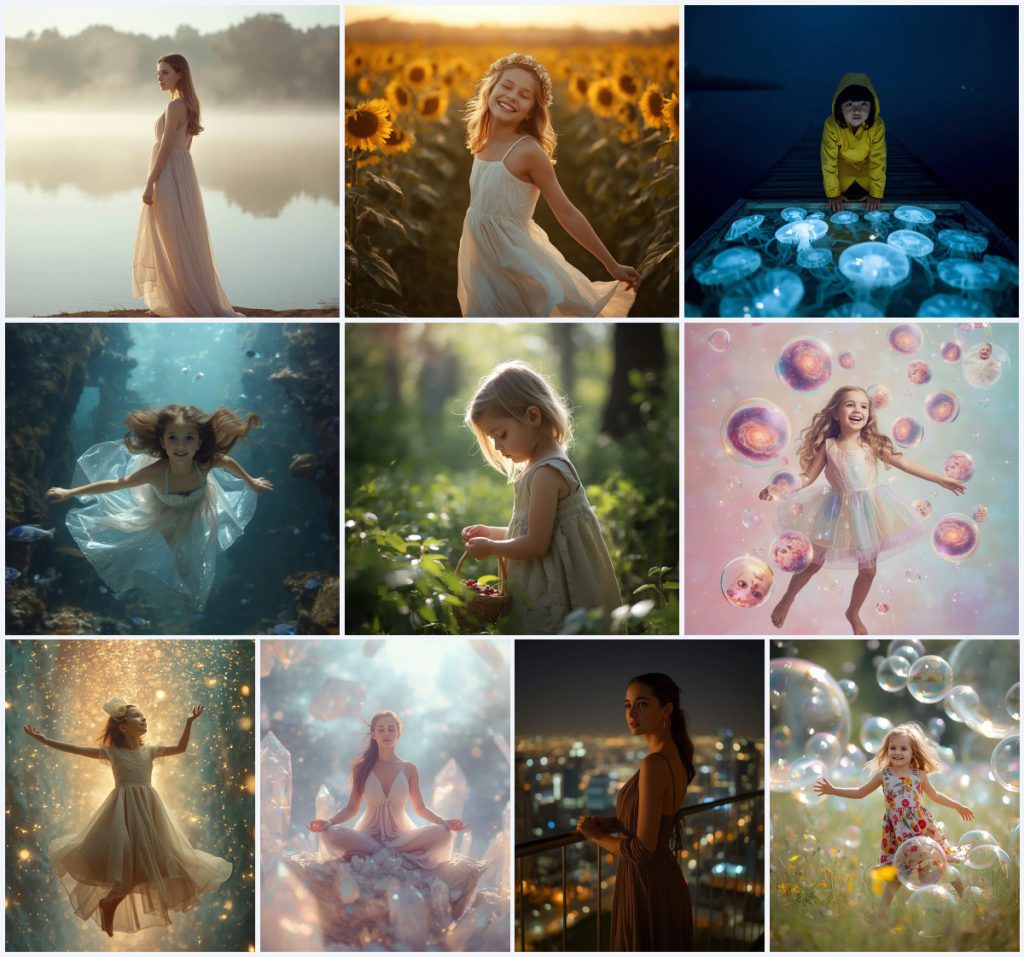
- A beautiful girl in a flowing pastel dress standing by a misty lake at dawn.
- A delicate flower crown and white sundress amidst a vast field of sunflowers.
- A vibrant yellow raincoat worn on a wooden dock with glowing jellyfish.
- A sheer, iridescent dress and glowing hair in an underwater coral city.
- A simple, rustic dress and a basket for picking berries in a sun-dappled forest.
- A whimsical collage of a girl in a pastel dress with bubble galaxies.
- A delicate evening dress in a zero-gravity forest with luminescent fireflies.
- A flowing, translucent gown for meditating on crystalline outcroppings.
- A sophisticated evening dress on a balcony overlooking twinkling city lights.
- A vibrant, floral summer dress playing amidst giant, luminous bubbles.
Common Issues and Quick Fixes
Even with high-quality prompts, AI image generators can sometimes produce unexpected results. Here are some common issues you might encounter and how to fix them quickly.
| Common Issue | Root Cause | Quick Fix |
|---|---|---|
| Distorted Hands/Fingers | Complex poses like picking berries or holding props | Add "anatomically correct hands" or use inpainting to regenerate the hand area. |
| Over-saturated Colors | Conflicting lighting cues like "glowing" and "neon" | Use "pastel color palette" or "soft diffused lighting" to tone down the intensity. |
| Muddled Watercolor Textures | Generator blending digital photo styles with watercolor | Add "traditional watercolor texture, paper grain, bleeding paint edges" to the start of the prompt. |
Frequently Asked Questions
How do I get a true watercolor painting style in my images?
To achieve an authentic watercolor painting style, ensure your prompt includes keywords like "soft watercolor washes," "bleeding paint edges," "textured paper," and "pastel color palette." You can paste these prompts into tools like Midjourney or Leonardo to get the best artistic textures.
Can I customize the colors of the dresses and background elements?
Yes, absolutely! You can easily modify the prompts by swapping out color descriptors. For example, change "flowing pastel dress" to "vibrant emerald green gown" or "yellow raincoat" to "soft lavender raincoat" before pasting the prompt into your chosen AI tool.
Why do some of my underwater or cosmic images look blurry?
Blurriness can happen if the AI overemphasizes terms like "ethereal" or "misty." To fix this, add clear camera settings like "85mm lens," "sharp focus," or "high-definition details" to your prompt to balance the soft, dreamy background with a crisp subject.
Conclusion
Artistic girl's AI prompts in a watercolor and cinematic style offer a powerful way to express creativity and generate beautiful, evocative imagery. By understanding how to manipulate lighting, clothing textures, and fantastical props, you can create a diverse portfolio of stunning digital art. Whether you are generating images for social media, digital galleries, or personal design projects, these prompts provide a robust foundation for endless imagination. Start pasting these prompts into your favorite AI tool today and watch your dreamlike concepts come to life.